Encryption Folder in ZimaOS
Starting from v1.5.4, ZimaOS provides a powerful Encryption Folder feature designed to protect your most sensitive data.
This document explains what the encryption folder is, why it is secure, and how ZimaOS ensures privacy by design—giving you a clear view into the technology and engineering behind it.
What is an Encryption Folder?
The Encryption Folder in ZimaOS is a comprehensive solution that balances privacy protection, performance efficiency, and engineering flexibility.
It allows you to store highly sensitive data—such as personal documents, backups, credentials, or confidential project files—in a protected space without worrying about unauthorized access or brute-force attacks.
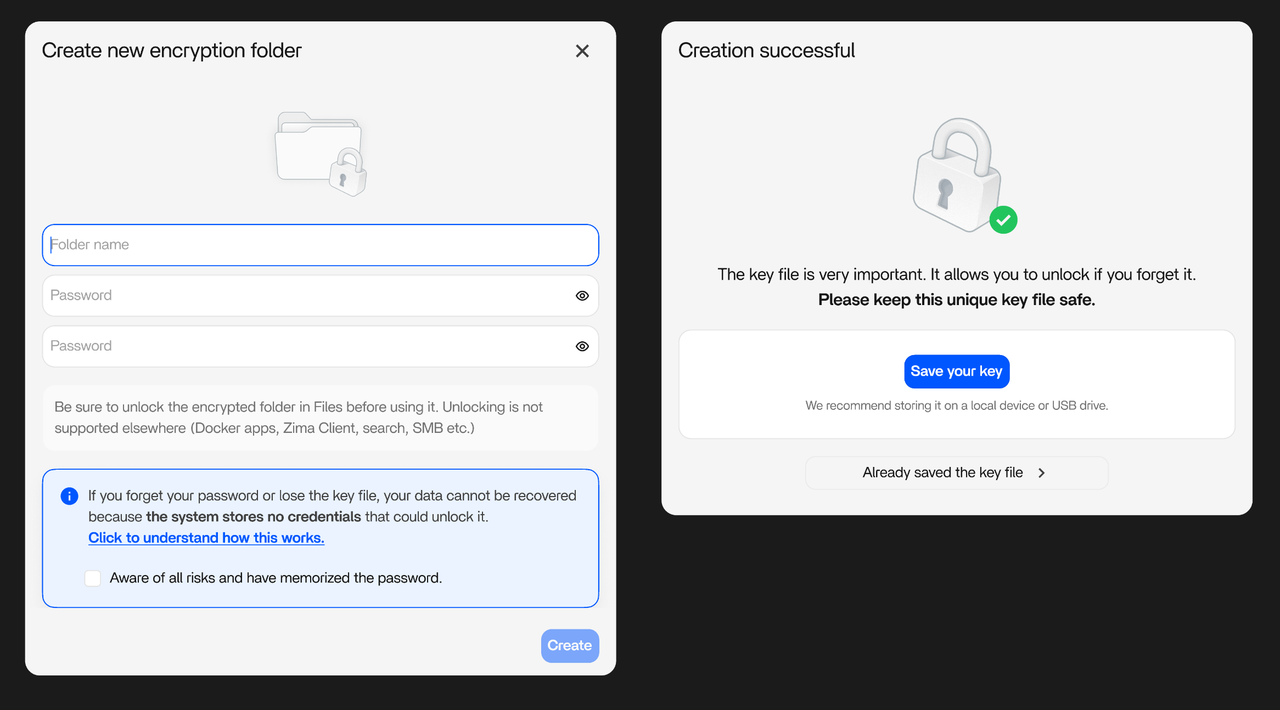
Why Is the Encryption Folder Secure?
ZimaOS uses a self-developed filesystem based on Zima-OFS, combined with AES-256-GCM encryption, to protect your data at both rest and runtime.
Each object inside the encrypted bucket is processed with streaming encryption and decryption, ensuring dual-layer protection for both static and dynamic data.
Below are the key security and engineering features:
📦 Original Directory Experience
- The encryption folder keeps its original directory name.
- From the outside, it behaves like a normal folder.
- Internally, all encrypted data and metadata are managed through a hidden control directory.
⏱️ Performance-Oriented Design
- Multiple small objects are aggregated into sequential write blocks.
- This reduces metadata overhead and random I/O operations.
- Combined with background defragmentation, overall performance is significantly improved.
⚡ Batch Write Optimization
- The client supports batch submission of file operations.
- The server merges and processes them together, reducing transaction overhead and network round trips.
🧩 Large File Chunking
- Files exceeding a defined threshold are automatically split.
- Each chunk is encrypted independently and written in parallel.
- This enables higher throughput and partial recovery in case of interruption.
🔄 Cross-Device Auto Recognition
- A hidden identifier file is stored in the root directory.
- All encryption parameters are recorded inside it.
- This allows encrypted folders to be recognized automatically when moved between devices.
🔐 Timed Auto Lock
- Each mount session includes a countdown timer.
- Supports visual reminders, manual locking, and automatic unmounting.
- Prevents long-term exposure caused by forgotten unlocked sessions.
❌ Non-Recoverability by Design
- Bucket metadata keys exist only in the original configuration files.
- Rebuilding the database or reinstalling the system cannot restore access.
- This enforces strict privacy guarantees and highlights the importance of proper backups.
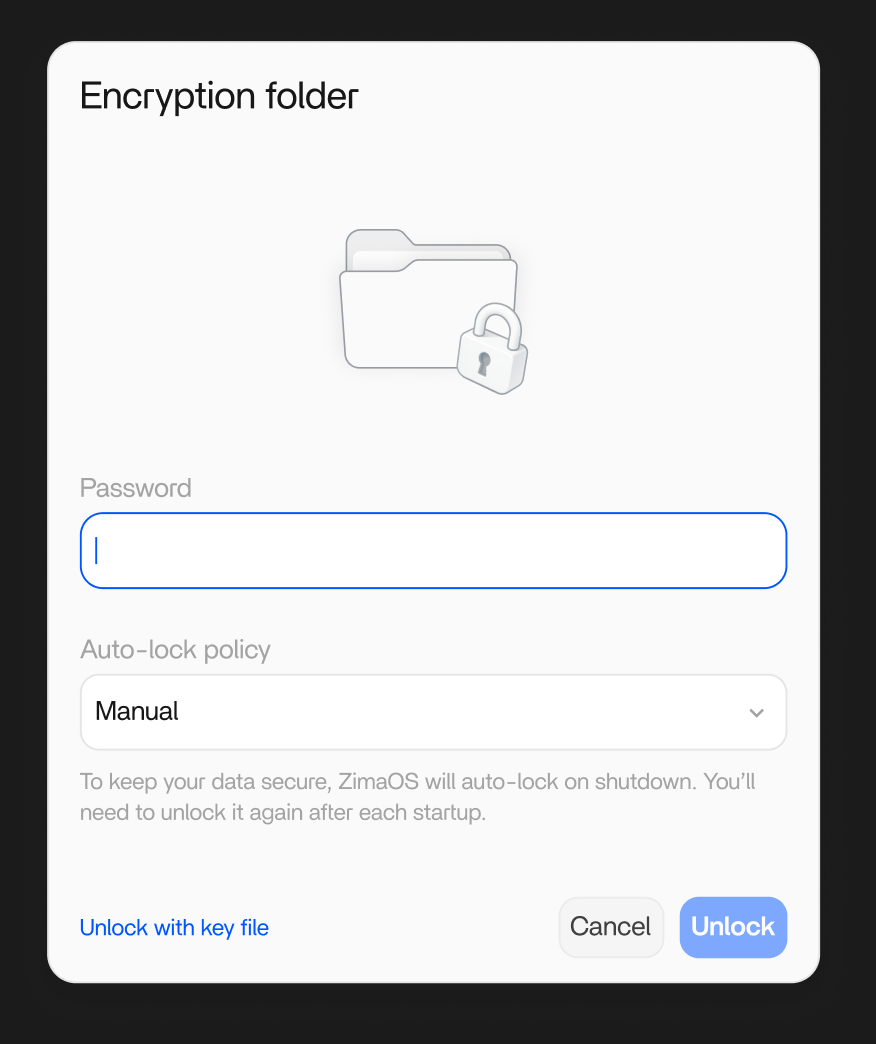
FAQ
1. Why does the encryption folder lock again after ZimaOS restarts?
ZimaOS does** not store any encryption configuration files internally**.
After a system reboot, all encryption folders are automatically locked and unmounted to ensure maximum data safety.
This behavior prevents accidental data exposure caused by system restarts or unattended access.
2. Why can no one recover the data if the password and key file are lost?
When an encryption folder is created, the configuration and key files are generated only once.
After that, they must be securely stored by the user.
ZimaOS does not upload, back up, or retain any user encryption keys or private data.
If both the password and key file are lost,** the data becomes permanently inaccessible**, even to the ZimaOS team.
This is an intentional design choice to guarantee true end-to-end privacy protection.