Based on feedback from our community, we’ve made it easier to enable SSH in ZimaOS. To simplify the process and make it more accessible, we’ve integrated this functionality directly into the UI. Now, it’s quicker and simpler to access SSH and use the terminal.
In the ZimaOS v1.2.5, enabling SSH is now easier than ever. Follow these steps to access SSH:
1. Open Settings.
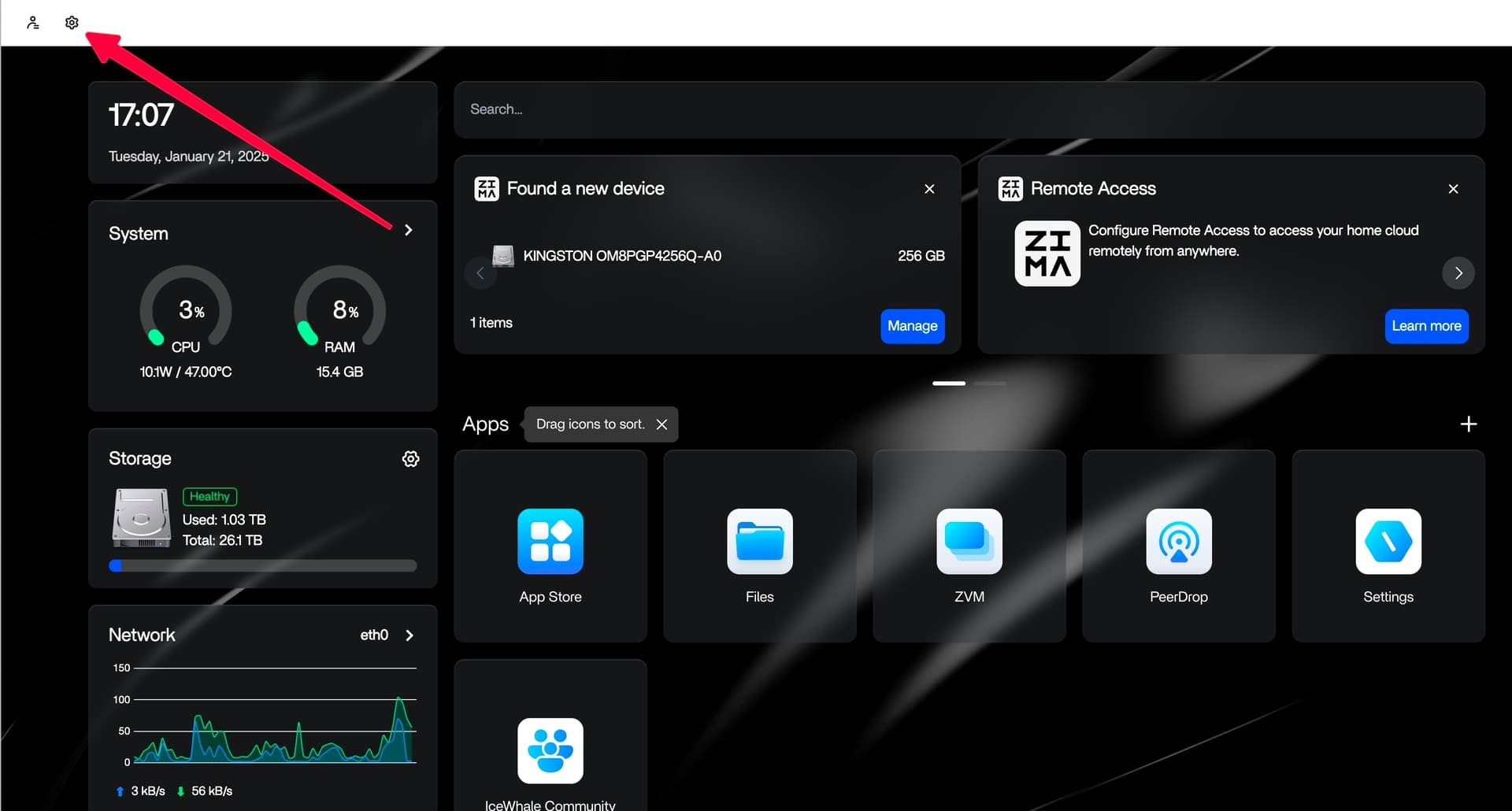
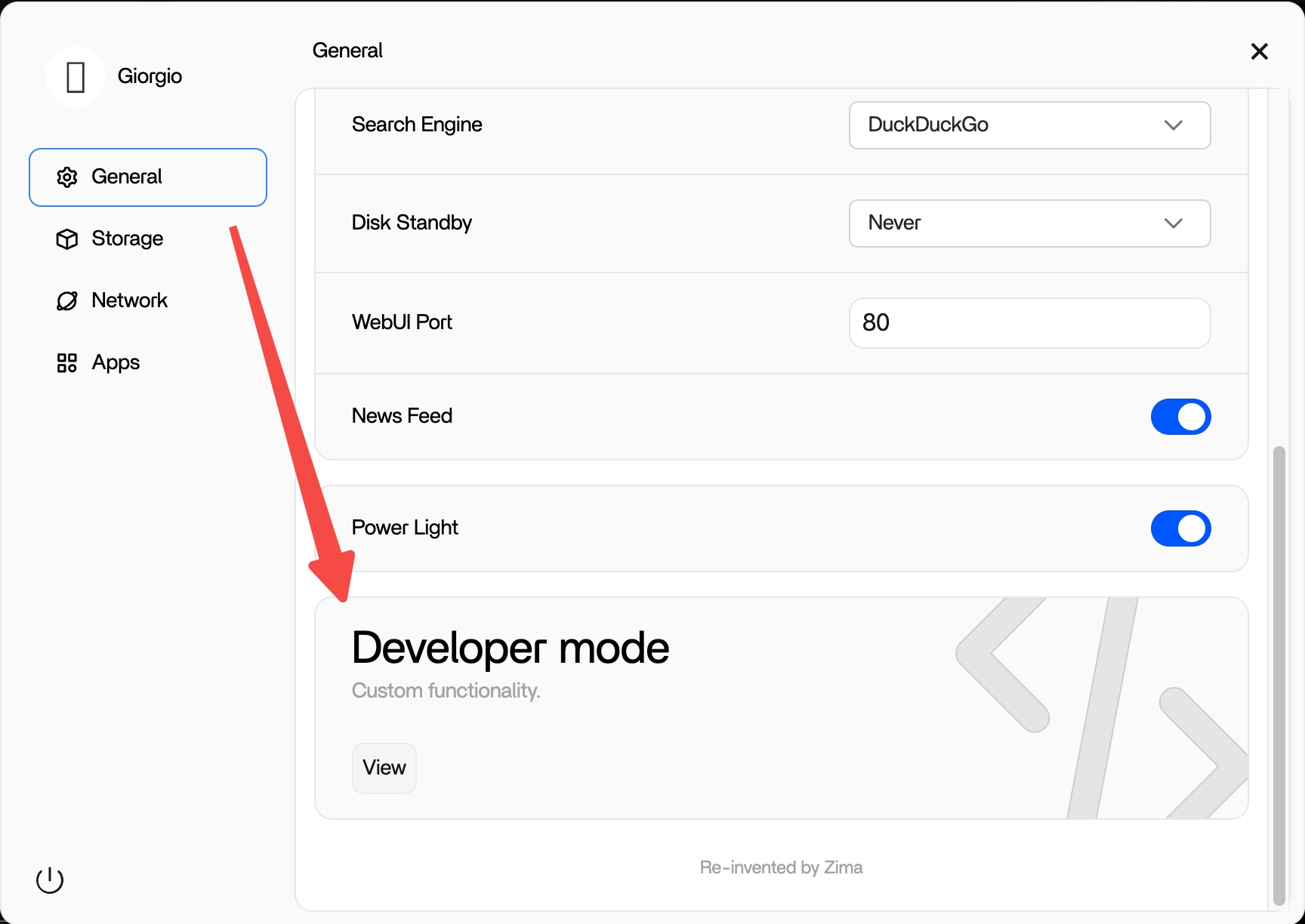
2. Navigate to Developer Mode.
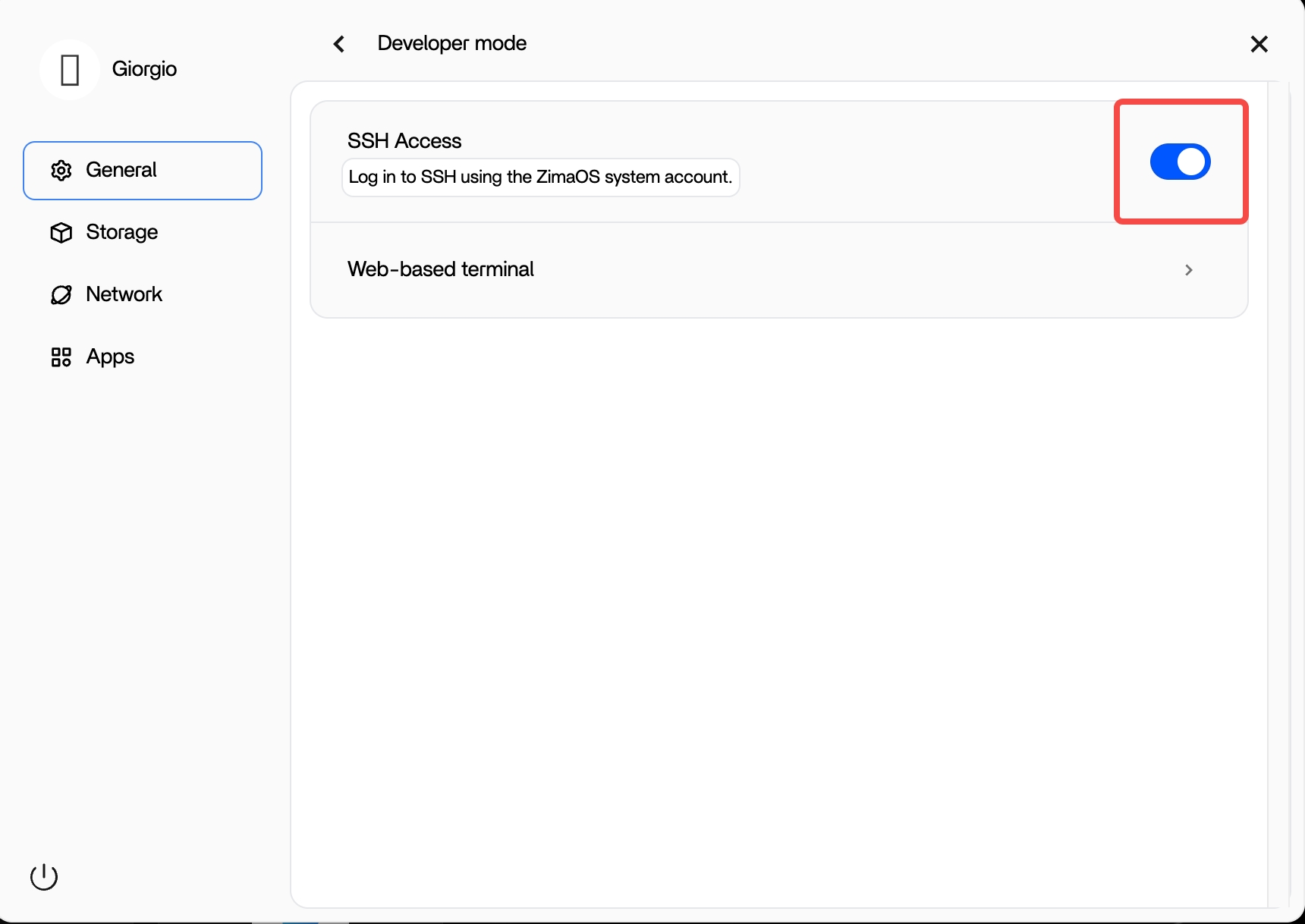
3. Toggle the SSH Access switch to “On”.
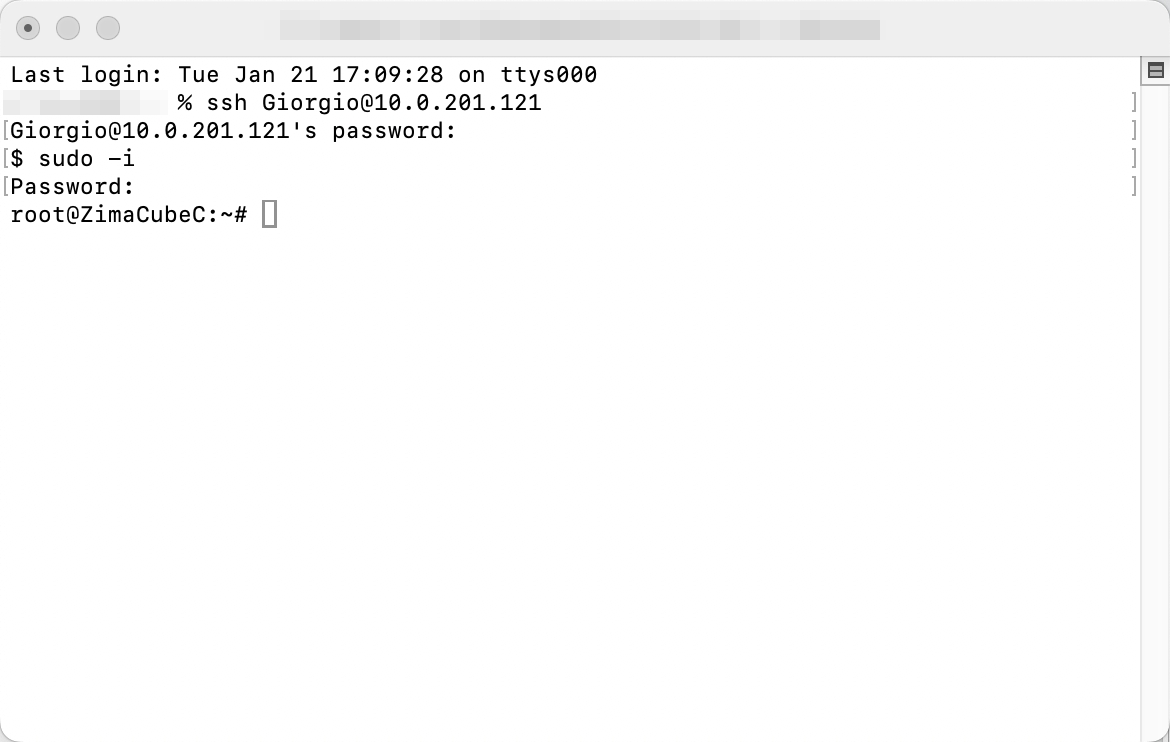
Once you’ve done this, you can use SSH to access your ZimaOS system directly without any additional configurations.
Additionally, you can enable the Web-based Terminal with a single toggle.
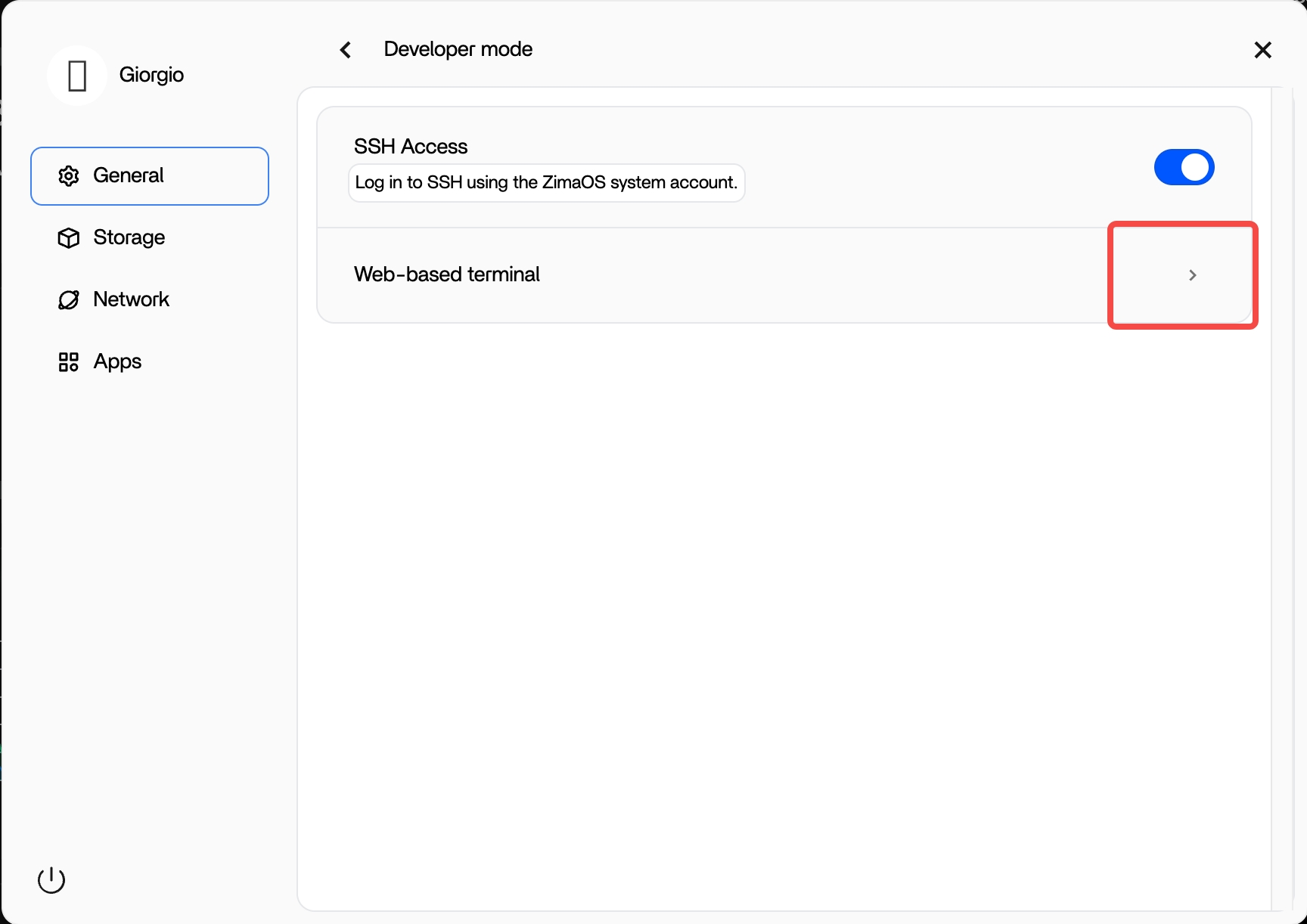
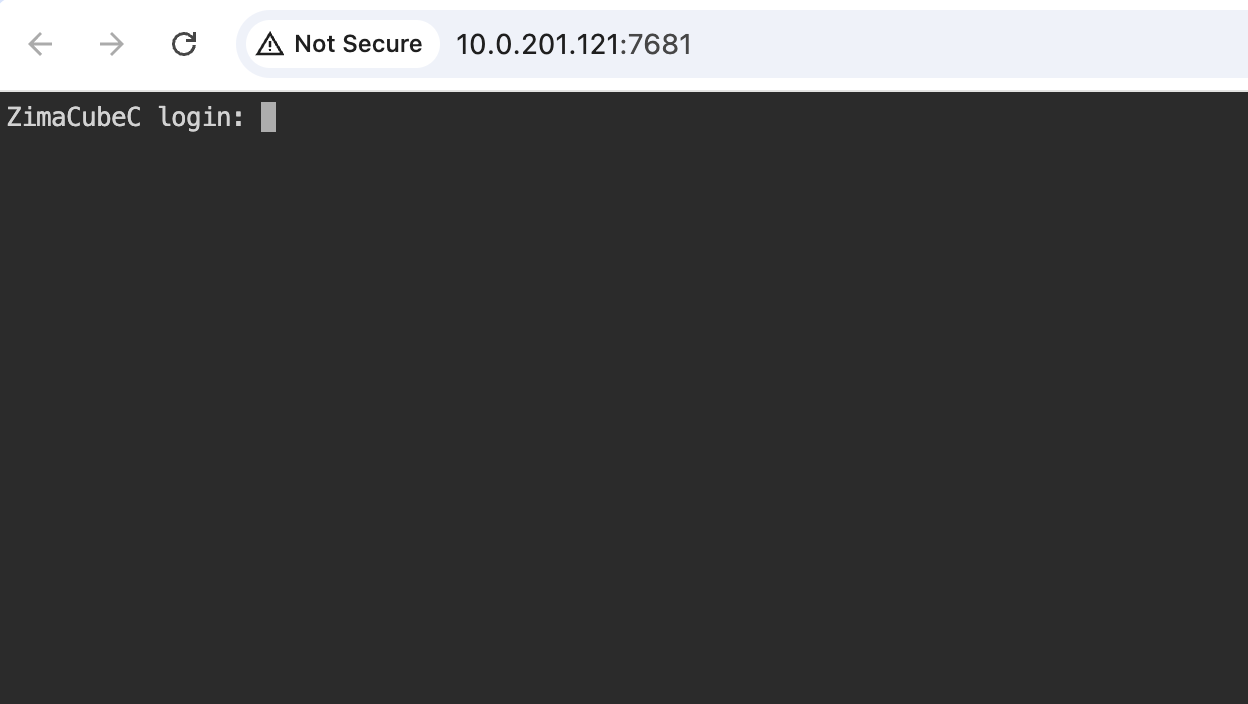
This simple update provides a more straightforward approach for developers and advanced users who require SSH access.
Please download the lastet version of ZimaOS: Releases · IceWhaleTech/ZimaOS · GitHub