
ZimaClient handles remote access on ZimaOS from the moment you sign in. But plenty of you already run Tailscale networks or WireGuard servers, and the reason is usually the same. You want the connection built on open protocols, with accounts and keys you control. This guide covers those paths, installed straight from the App Store.
Why Standard Protocols
ZimaOS does not collect user data, no matter which way you connect. The difference between the paths is where the control sits.
Built-in remote access runs through ZimaClient. You sign in, and the connection is set up for you, peer to peer and encrypted. Standard protocols hand that setup to you instead. You bring your own Tailscale account or your own WireGuard keys. Traffic stays peer to peer, clients work on Linux, Android, and other platforms, and nothing is tied to one vendor. If you ever leave ZimaOS behind, your network and your configs move with you.
The official App Store carries four apps for this: Tailscale, WireGuard Easy, Firefly, and NetBird.
Pick Your App
| App | What it is | Best for |
|---|---|---|
| Tailscale | A mesh VPN built on WireGuard that needs no open ports | Joining your devices into one private network with minimal setup |
| WireGuard Easy | A web UI for managing a WireGuard VPN server | Running your own WireGuard server with a dashboard |
| Firefly | A WireGuard VPN server built on wg-easy | A WireGuard server with the defaults picked for you |
| NetBird | A WireGuard-based overlay network with SSO, MFA, and access controls | Teams and fine-grained access rules |
Tailscale and NetBird use their own services to coordinate devices while the traffic itself stays peer to peer. WireGuard Easy and Firefly keep everything on your device, keys included.
Install from the App Store
The first steps are the same for all four apps:
- Open App Store on your ZimaOS device.
- Search for the app and click Install.
- Open the app from your installed apps.
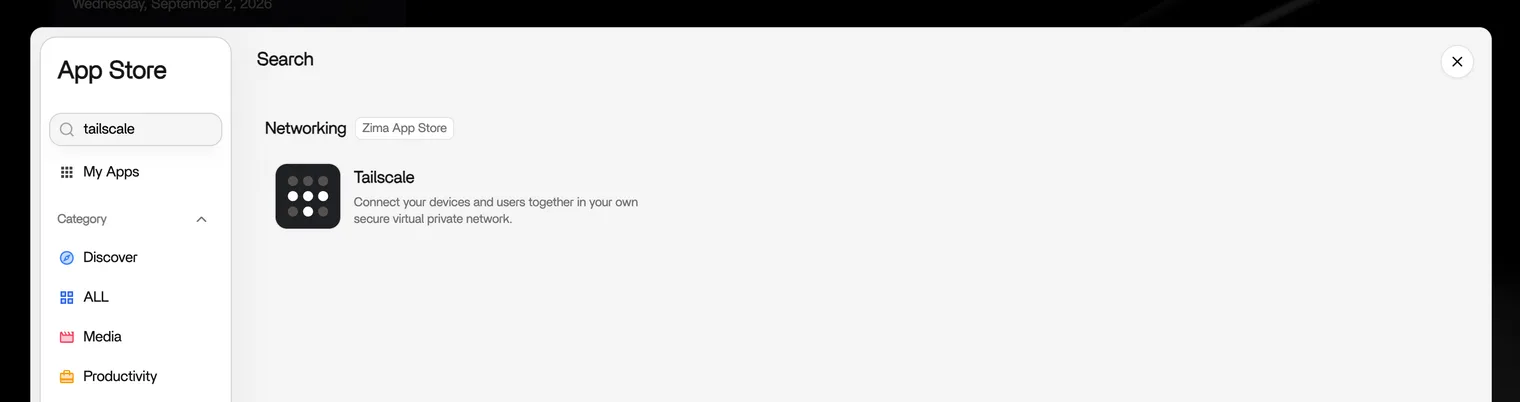
Tailscale needs a few more steps, covered below. The other three apps are covered after the client setup.
Tailscale
On first launch, Tailscale asks you to sign in with your Tailscale account. A browser page opens, you authorize the device, and your ZimaOS device joins your tailnet.
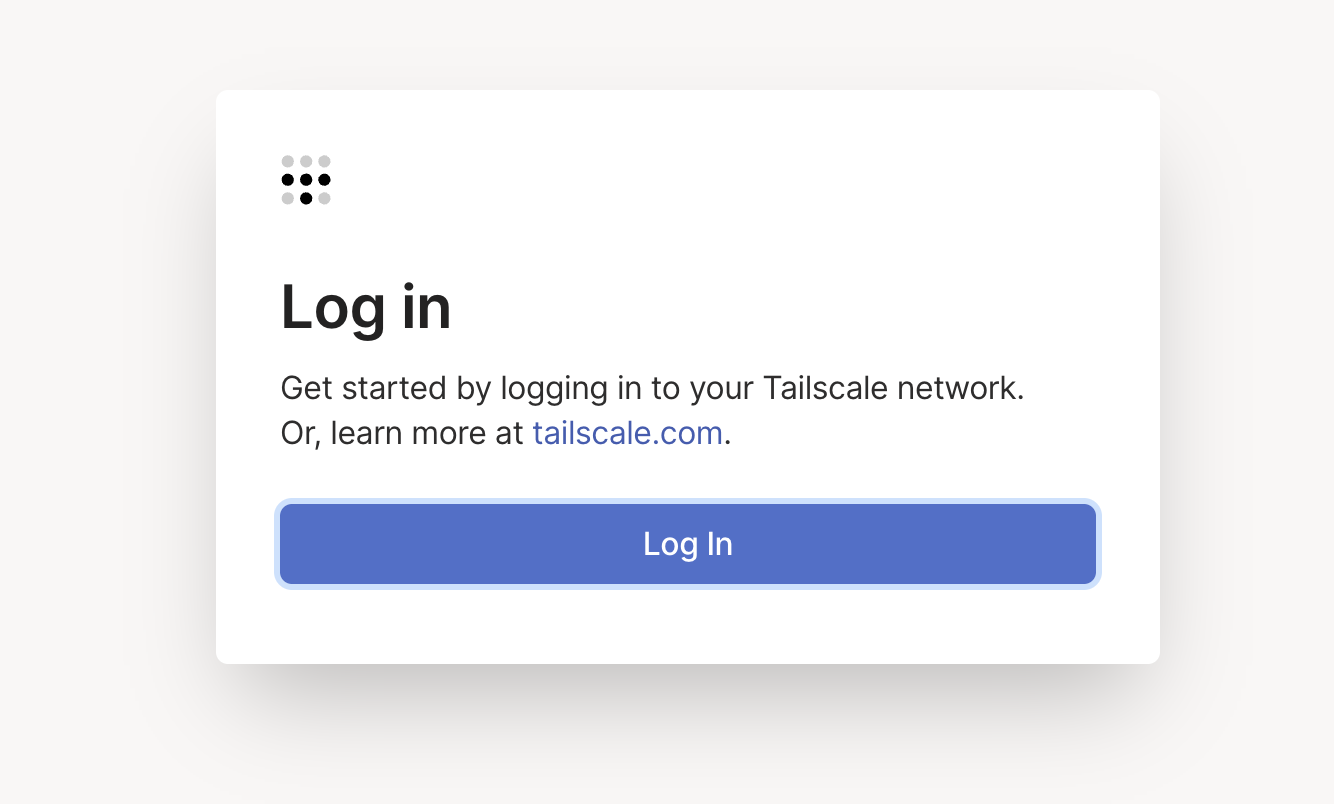
Give it a recognizable name, then look for it in the Tailscale admin console with its 100.x address.
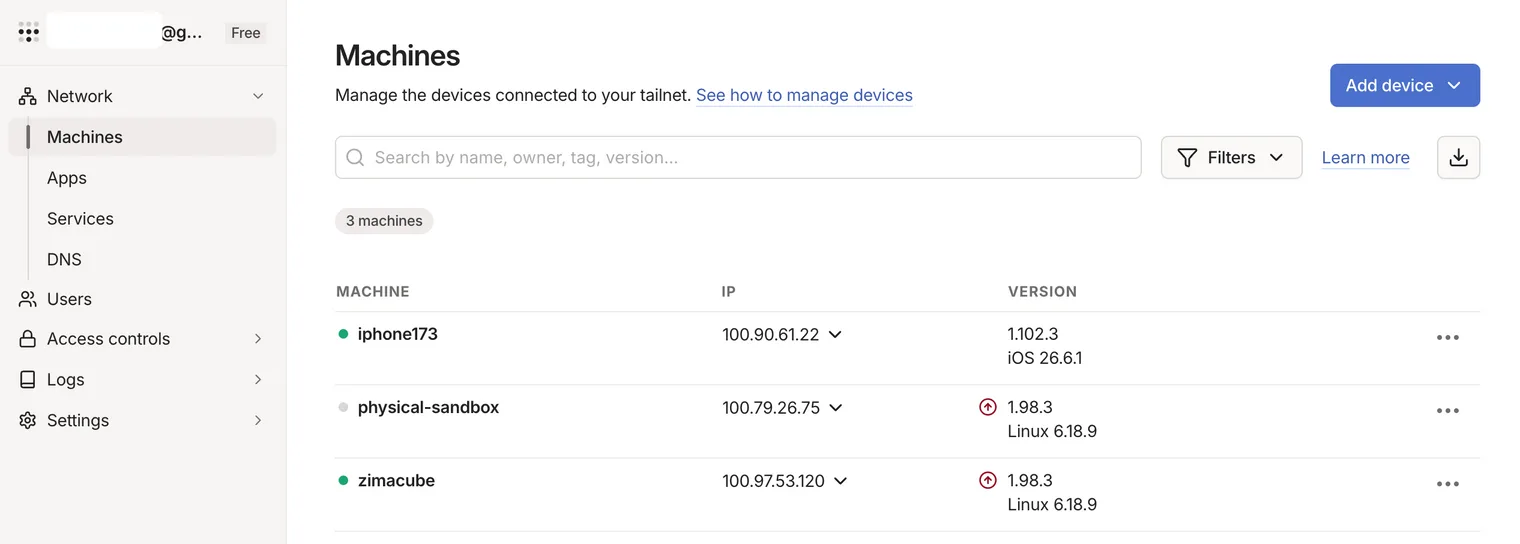
Any device on your tailnet can now reach your ZimaOS home server through that address, no matter where either side is. Keep the dashboard URL in your laptop bookmarks and sign in from anywhere.
Install the Client Apps
The client side is simple. Install the official app from your device’s app store, then connect it to your network.
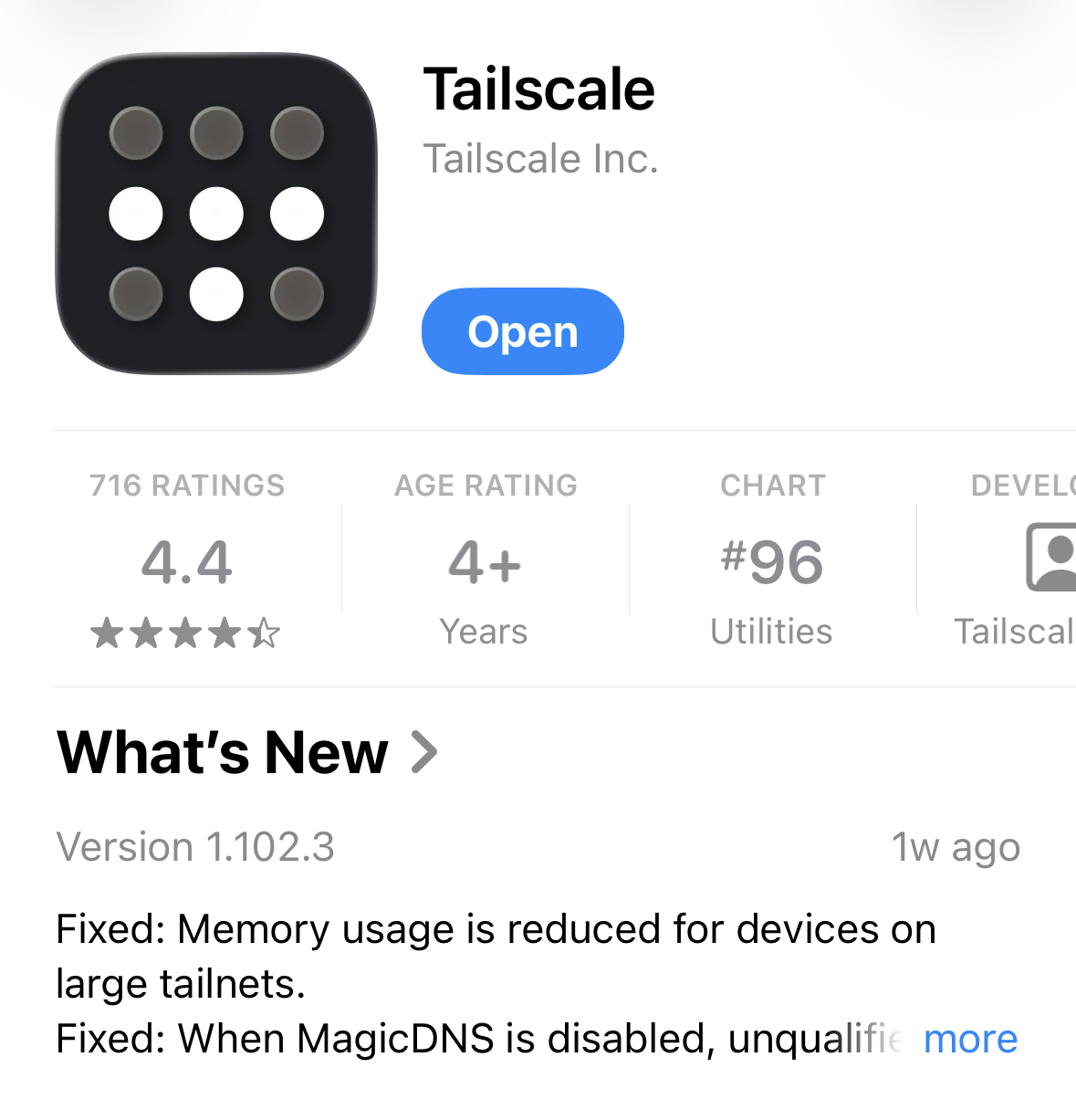
On iOS, both apps are in the App Store. On Android, get the official Tailscale or WireGuard app from the Play Store. On Linux, install the official Tailscale client or wireguard-tools from your distribution.
Configuration is one step:
- Tailscale: open the app and sign in with your Tailscale account. The device appears in your tailnet.
- WireGuard: import the config file or scan the QR code you created on ZimaOS.
WireGuard Easy, Firefly, and NetBird
The other three apps follow the same install flow from the App Store. Each opens its management page after install.
WireGuard Easy runs a WireGuard VPN server with a web UI. Create one client per device, then hand each device its configuration as a QR code or a config file.
Firefly is the simplest WireGuard server, built on wg-easy. Create a client, scan the QR code on your phone, and you are connected.
NetBird connects your devices into a WireGuard-based overlay network with SSO, MFA, and granular access controls. Approve devices and set access rules from the NetBird dashboard.
Keep in mind:
- WireGuard servers listen on a UDP port. To reach WireGuard Easy or Firefly from outside your home network, that port needs a public IP address or a port forward on your router.
- NetBird handles sign-in and access rules through its own service. Your ZimaOS account is not involved.
Desktop and Advanced Setup
On desktop, the flow is the same as on mobile. Install the official Tailscale or WireGuard client for Windows, macOS, or Linux, then sign in with your Tailscale account or import your WireGuard config.
For advanced configuration, the official documentation covers the details:
- Tailscale: Tailscale Knowledge Base
- WireGuard: WireGuard official site
- WireGuard Easy: wg-easy repository
- NetBird: NetBird docs
What These Apps Do Not Do
- They do not replace ZimaClient. Photos browsing, Phone Backup, Computer Backup, Connect ID, and the remote access switch in ZimaOS settings all belong to ZimaClient. Tailscale and WireGuard carry the connection. They do not back up or sync anything.
- Tailscale and NetBird coordinate devices through their own services, so your account lives with the provider. Traffic stays peer to peer. If keeping every piece on your own hardware matters to you, WireGuard Easy and Firefly do that.
- ZimaOS itself collects no user data on any of these paths.
Next
- Remote Access — the built-in option
- Download ZimaClient — clients for desktop and mobile
- Self-Hosted Apps — what else runs on your device