
Overview
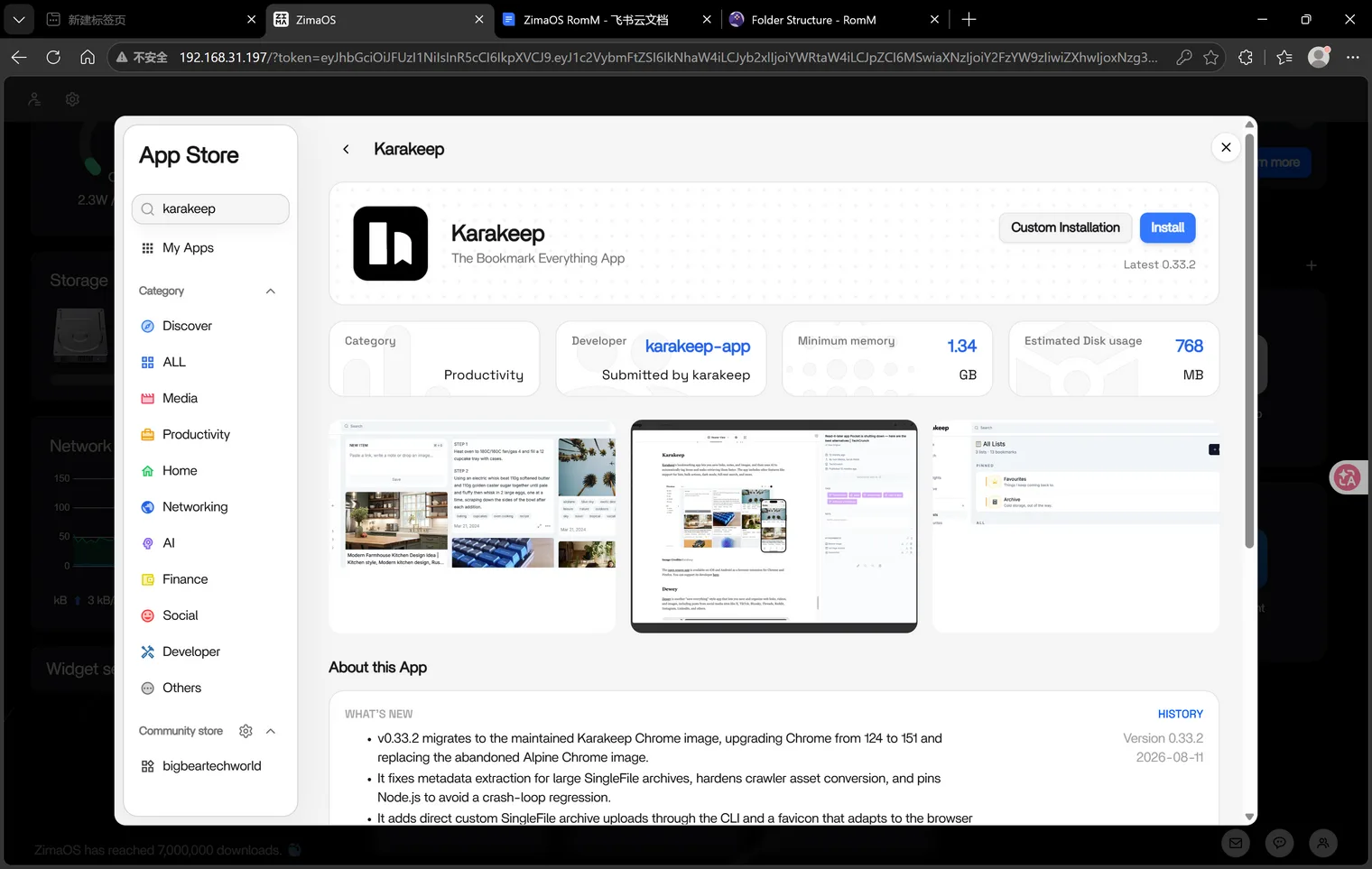
Karakeep is natively supported in the ZimaOS App Catalog. See the Karakeep App Store page for the latest app details.
Karakeep (previously Hoarder) is an open source “Bookmark Everything” app that uses AI to automatically tag and summarize the links, notes, and images you throw at it. Built with self-hosting as a first class citizen, it keeps your bookmark library on your own hardware instead of a browser vendor’s cloud.
Prerequisites
- A running ZimaOS installation.
- (Optional) An OpenAI-compatible API key. If you want to use a different AI provider (e.g. a local model for private inference), check out the different AI providers guide.
App Catalog
- Find Karakeep in the ZimaOS App Catalog. Open App Store → search for “Karakeep” → Install.
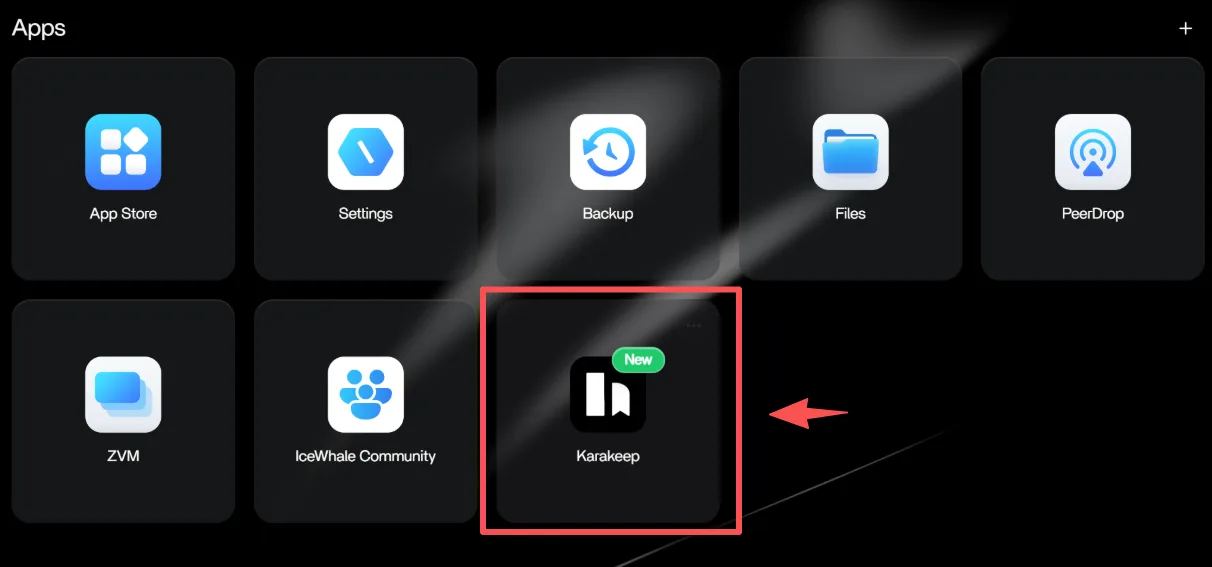
- It’s ready to use!
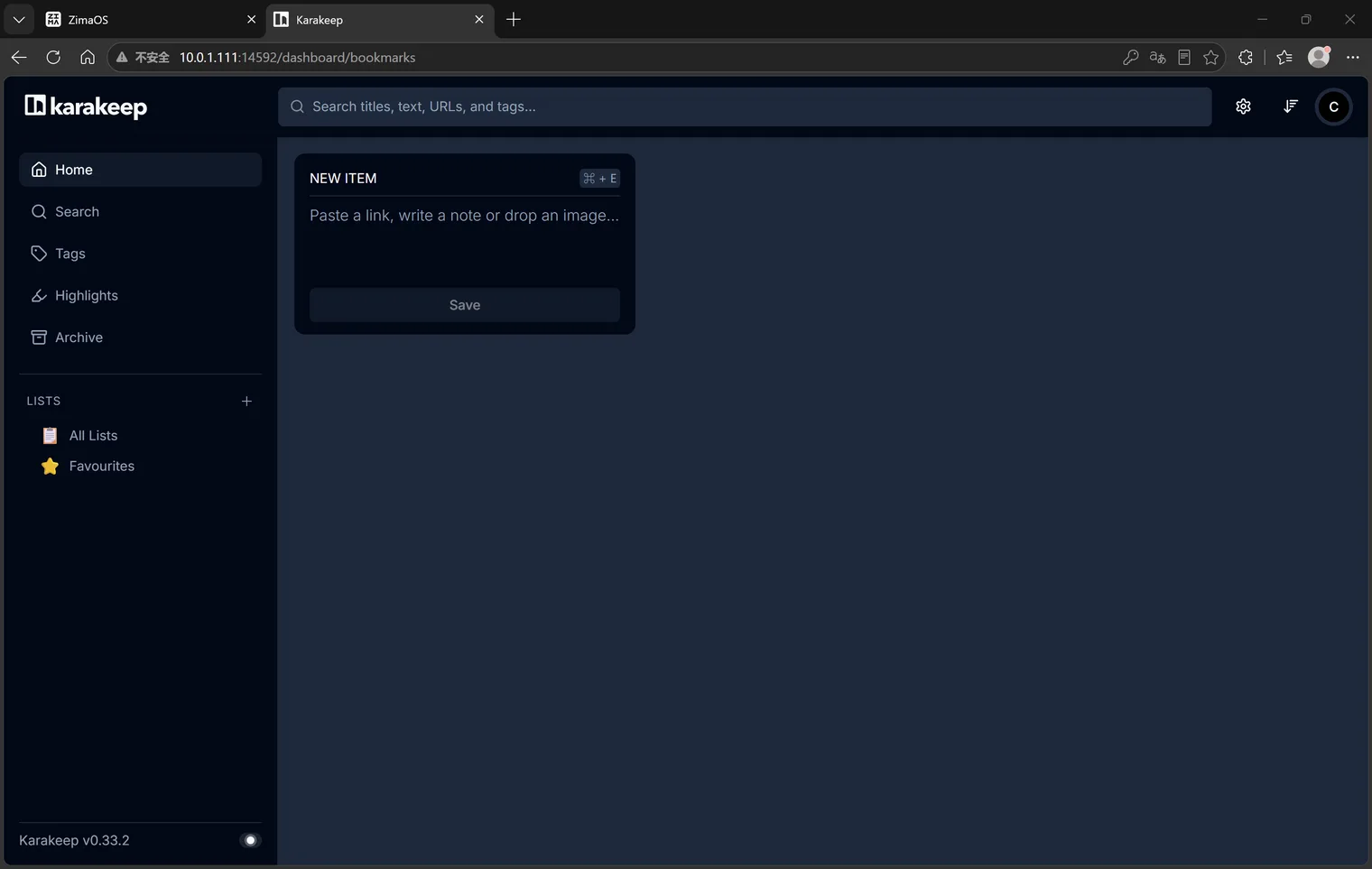
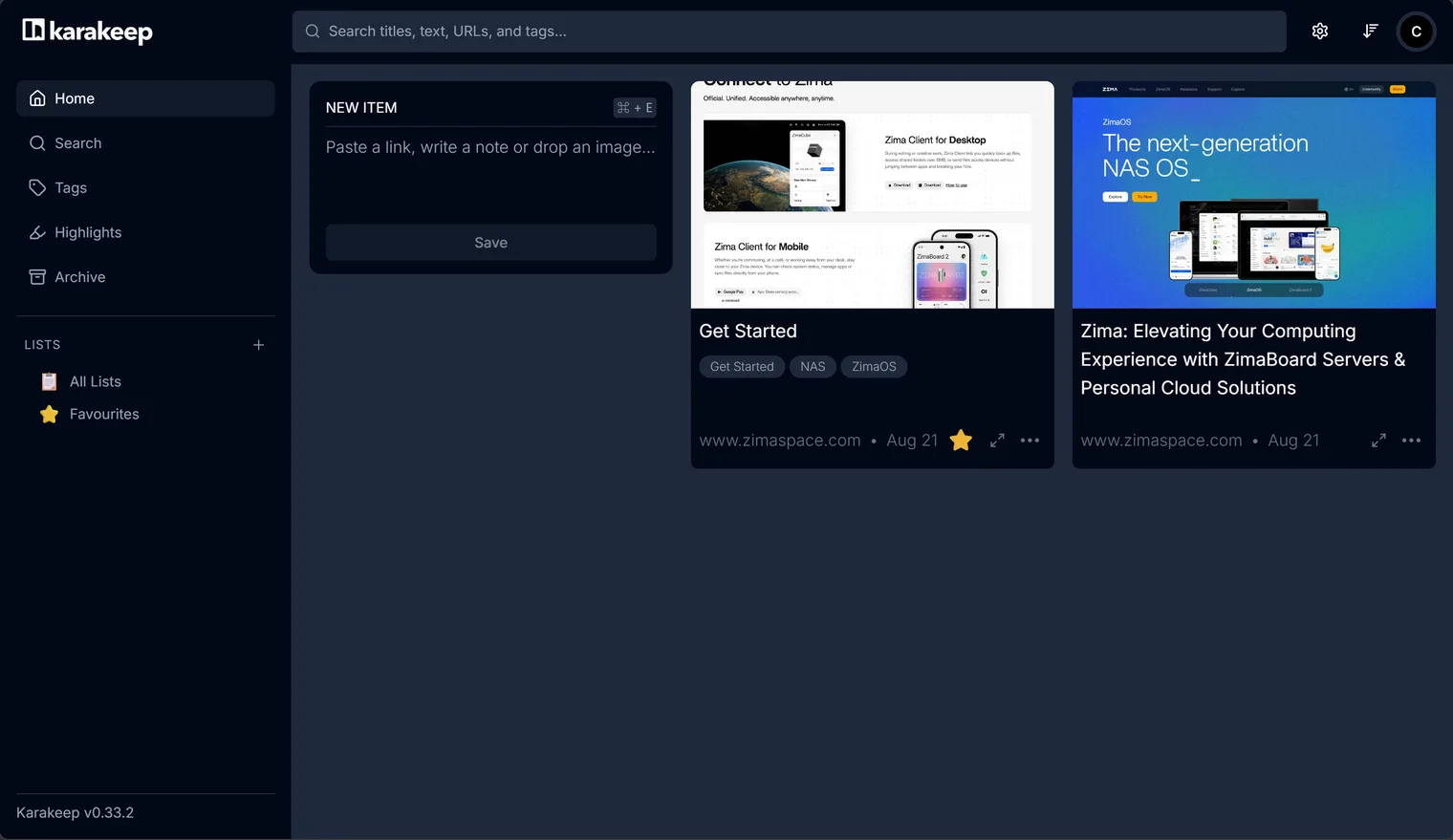
Open Karakeep and you can start bookmarking right away — paste a link, write a note, or drop an image into the NEW ITEM box.
Optional: Set your domain (NEXTAUTH_URL)
By default, Karakeep assumes it is running at http://localhost:xxxx. If you open it from another device — or through a domain — links inside the app (including the logout button) will still point to localhost and fail.
To fix this, set the NEXTAUTH_URL environment variable to the exact address you use to open Karakeep (the IP address you use to log in to ZimaOS):
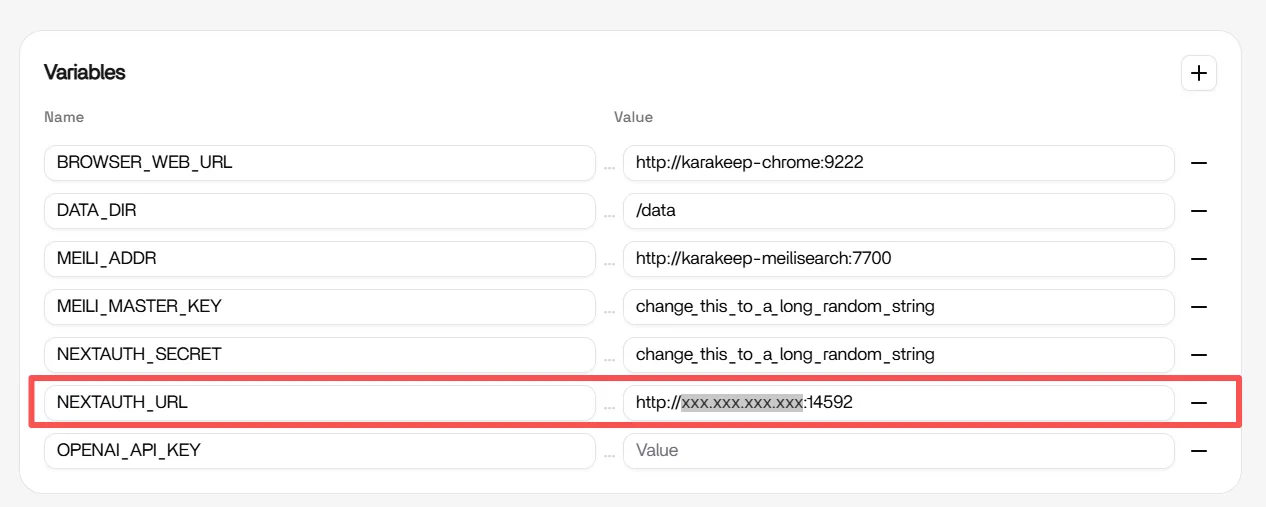
Then save and restart the app.
Optional: Enable AI auto-tagging
Karakeep can automatically tag and summarize your saved links using AI. Open Manager and enter your OpenAI API key in Advanced.
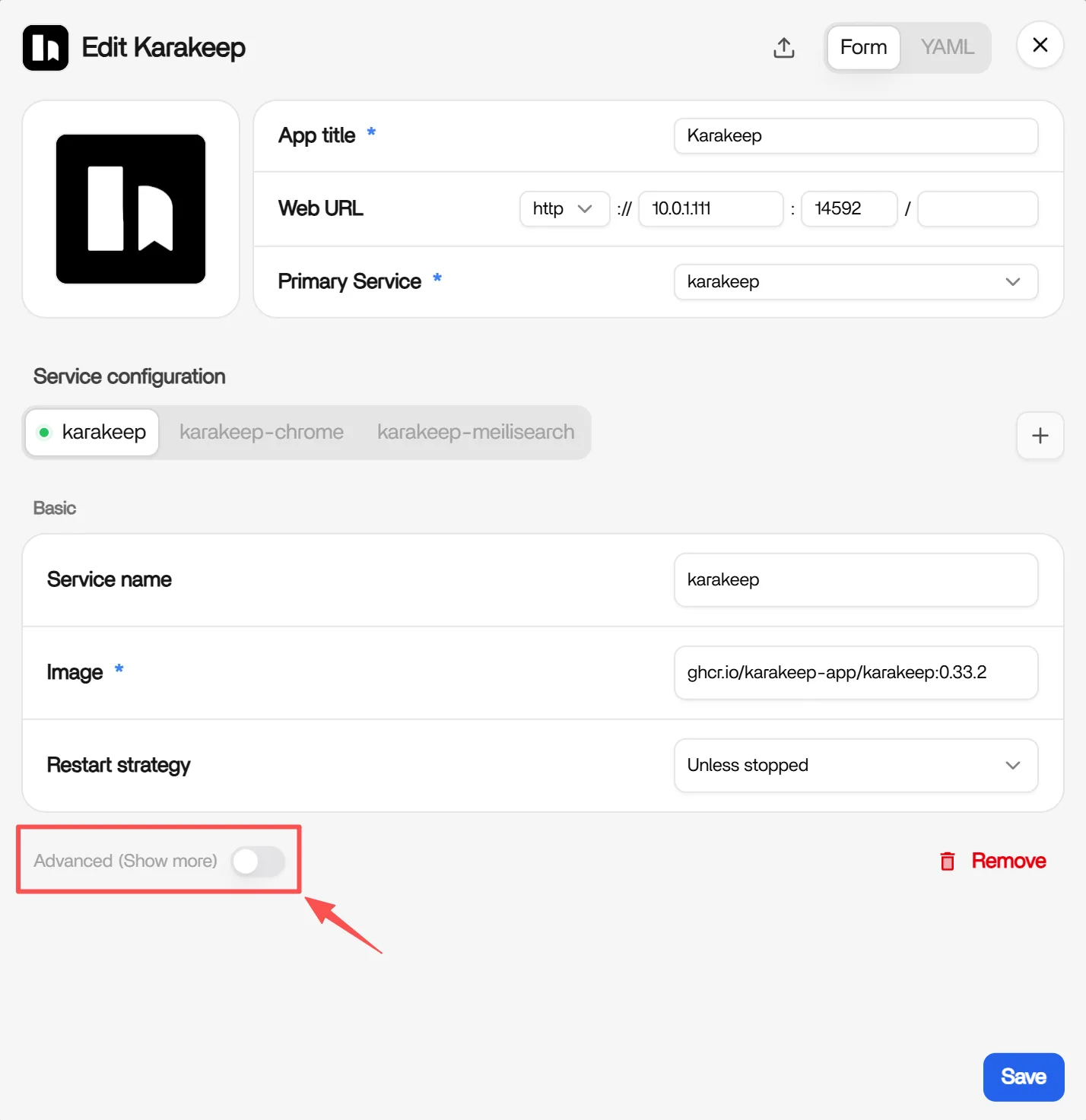
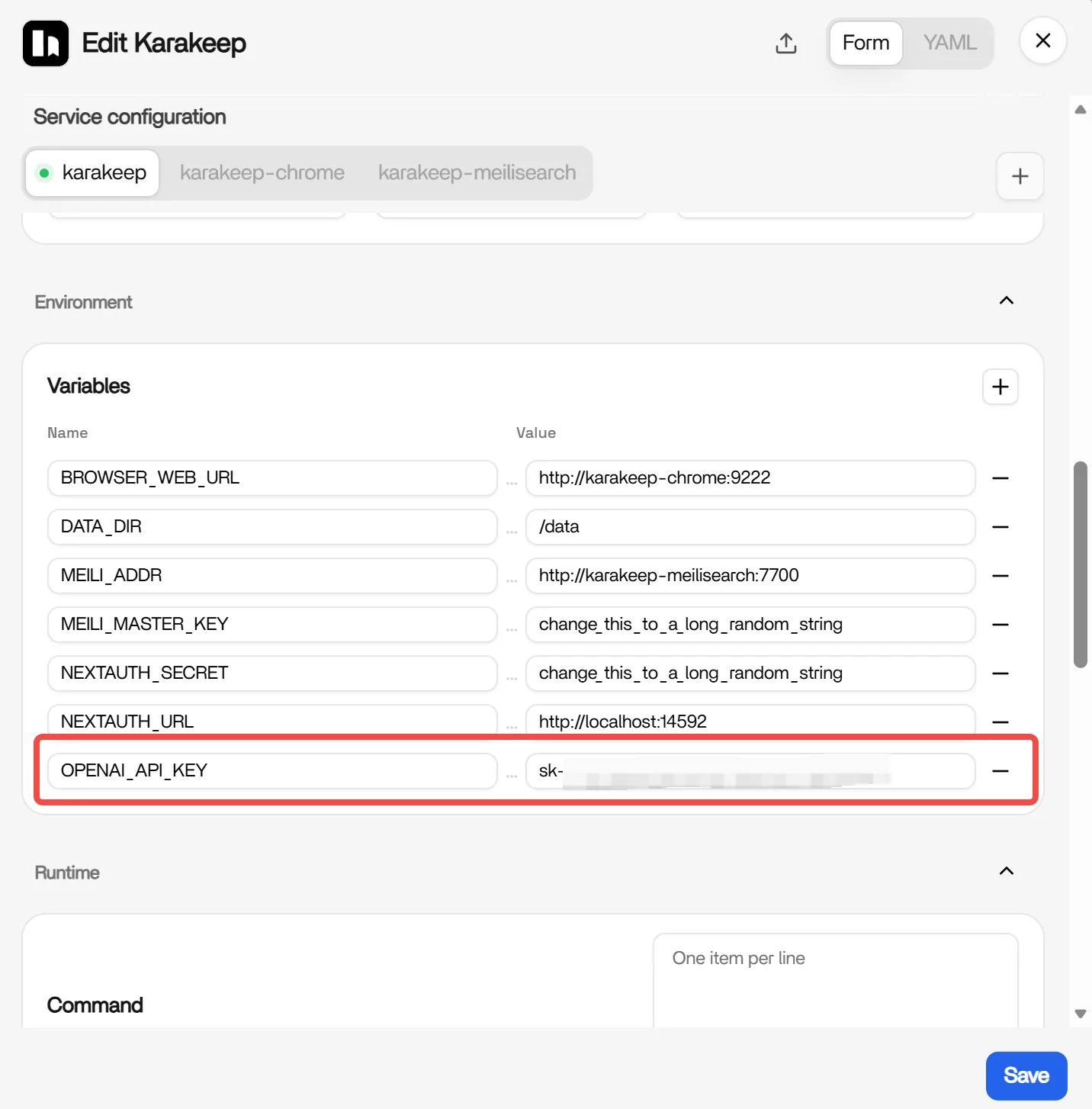
Now your Karakeep can handle automatic tagging and summarization — all you need to do is paste a link, write a note, or upload an image.
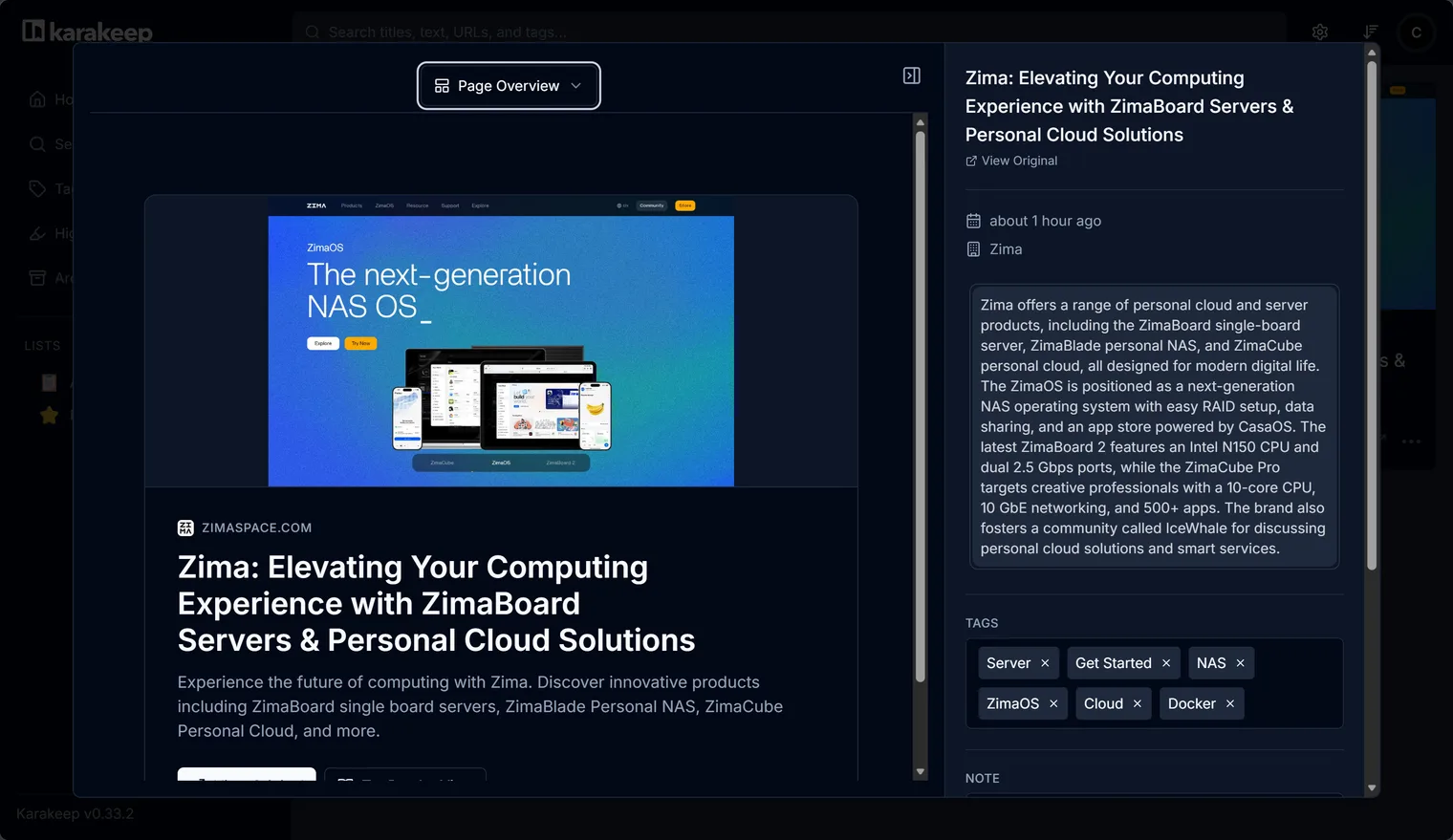
Use a Local LLM Instead
Sending your links to a cloud API is optional. Karakeep supports OpenAI-compatible providers and Ollama, so you can keep tagging and summarization entirely on your own device.
Set these variables in the Karakeep container instead of a cloud API key:
OPENAI_API_KEY=ollama |
Two things to get right:
- The address must be reachable from inside the Karakeep container — use your ZimaOS IP, not
localhost. - Pull the models on the Ollama server first, or tagging will fail when the first link arrives.
To run the LLM server itself on ZimaOS, see Local LLM Inference. For other providers and advanced model settings, see the official different AI providers guide.
Need Help?
If you run into any issues while installing or using Karakeep on ZimaOS, join the ZimaSpace Discord community. Our team and community members will be happy to help.