
Overview
VoceChat is natively supported in the ZimaOS App Catalog. See the VoceChat App Store page for the latest app details.
VoceChat is a lightweight, self-hosted chat server — it gives you private group chats, direct messages, file sharing, @mentions, bots, and an embeddable chat widget, all running on your own hardware instead of a messaging vendor’s cloud.
Prerequisites
- A running ZimaOS installation.
- A free port for the chat server (default: 3009).
App Catalog
- Find VoceChat in the ZimaOS App Catalog. Open App Store → search for “VoceChat”.
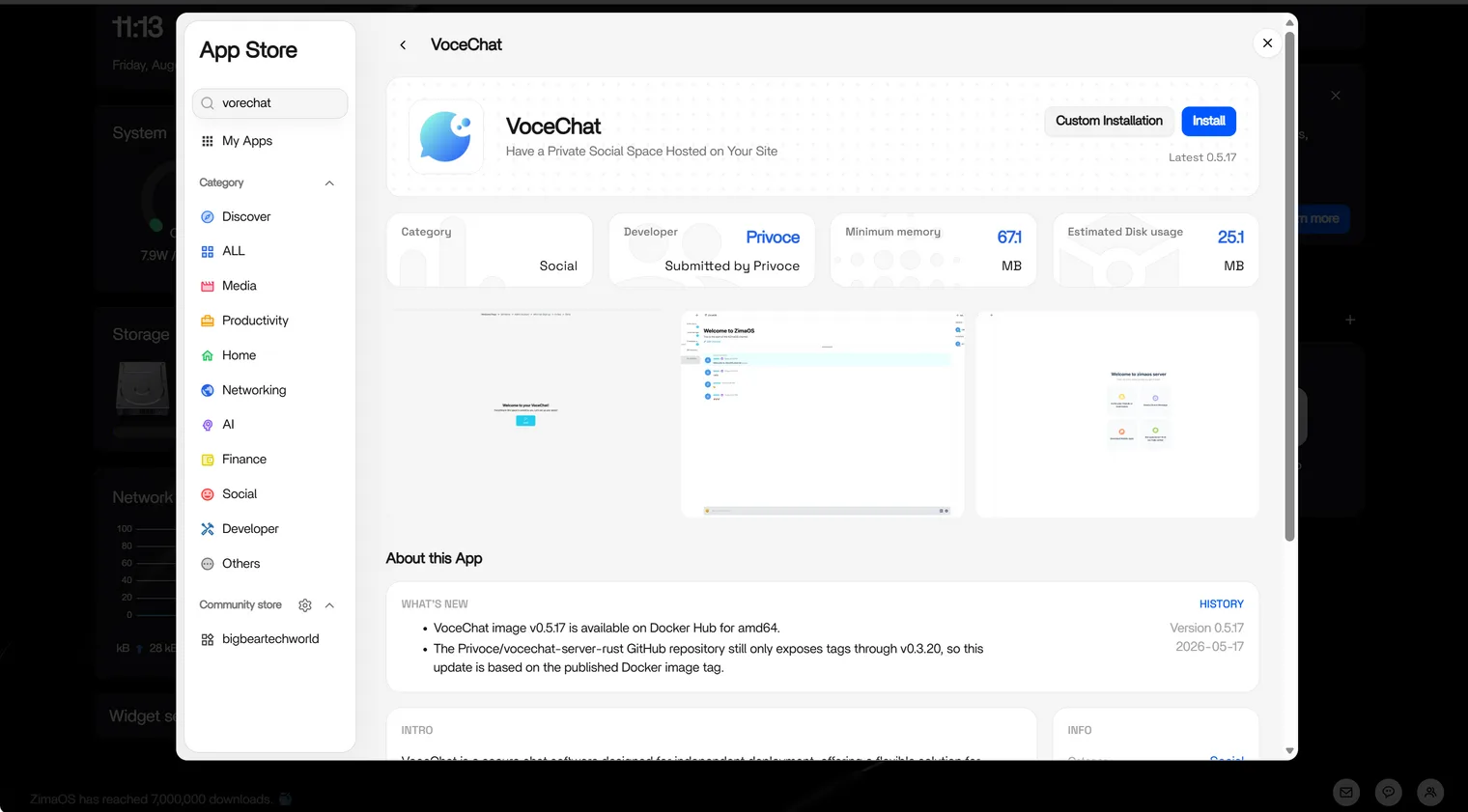
- It’s ready to use!
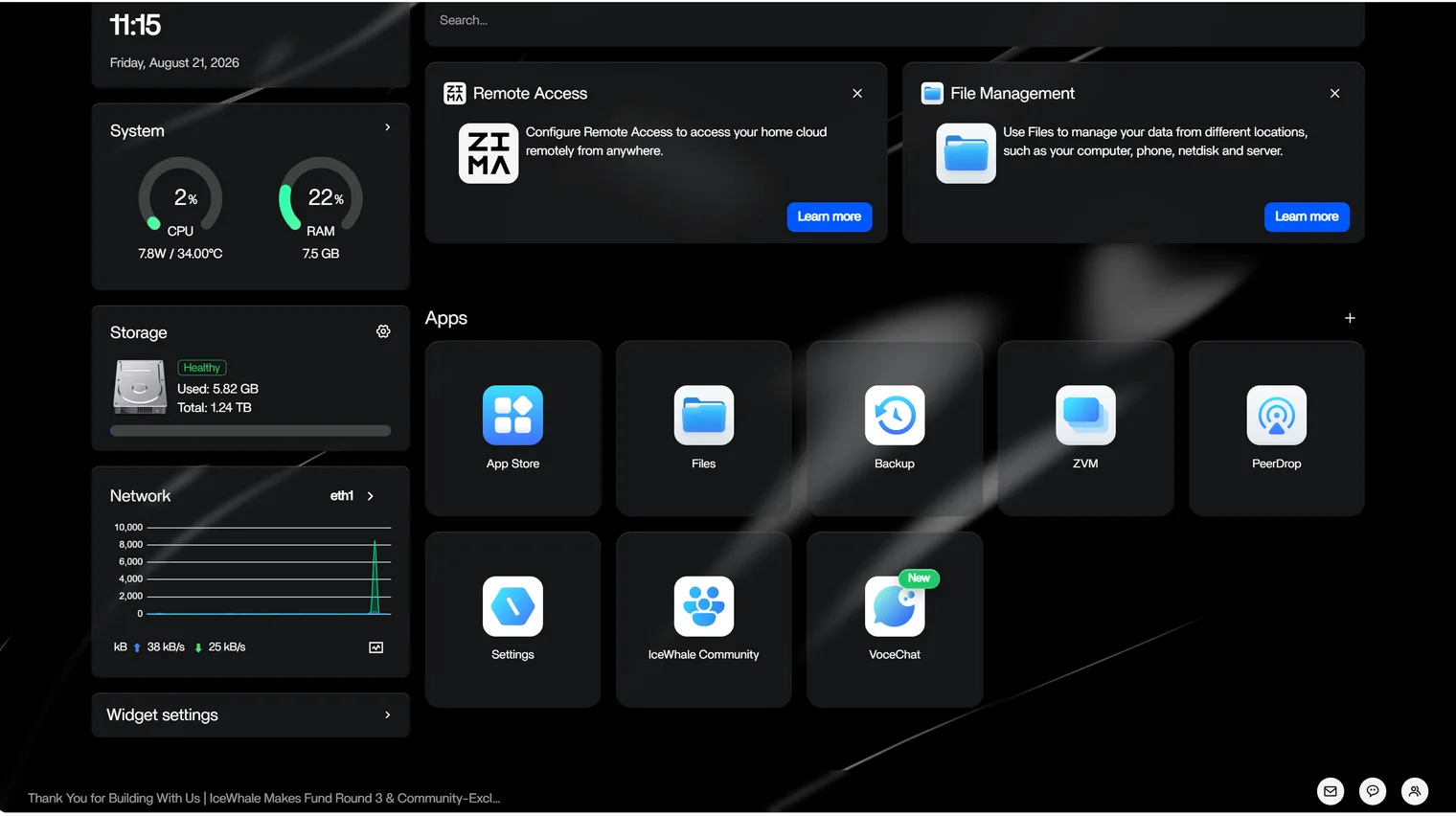
Configuration
The following steps are NOT required — you can get started right away with the DEFAULT configuration.
ZimaOS supports multiple configuration methods, including form-based editing and YAML secondary editing.
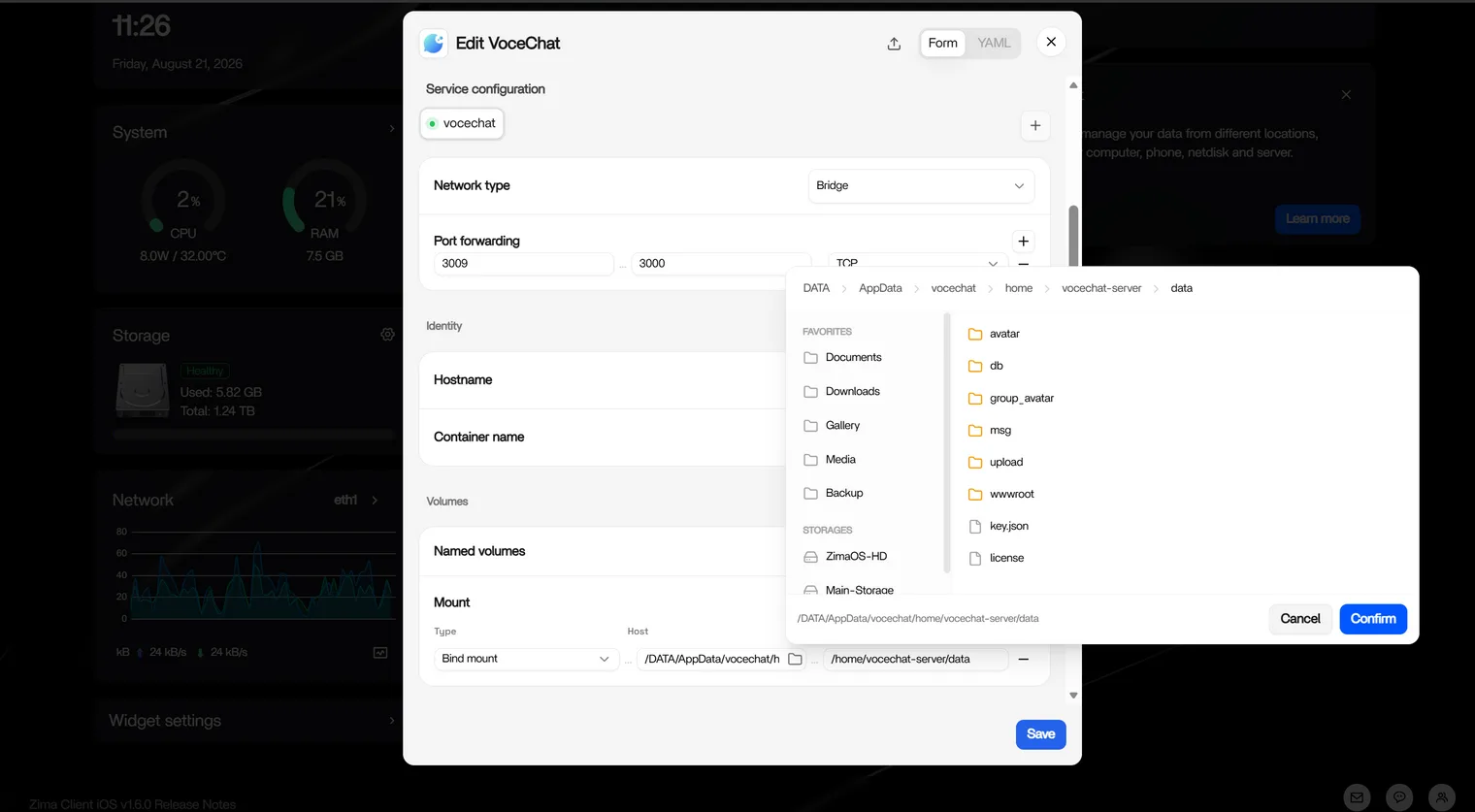
The main settings you may want to adjust:
- Volumes — where your chat history and uploaded files are stored (default:
/DATA/AppData/vocechat/home/vocechat-server/data, mounted to/home/vocechat-server/data). - Port — the external port you use to access the web UI (default: 3009).
First-time setup
On ZimaOS, first-time setup is just as easy — no config files to edit. After installation, open VoceChat and follow the setup wizard:
- Set a name for your server.
- Create your admin account (email + password).
- Choose your registration mode (open registration or invite-only).
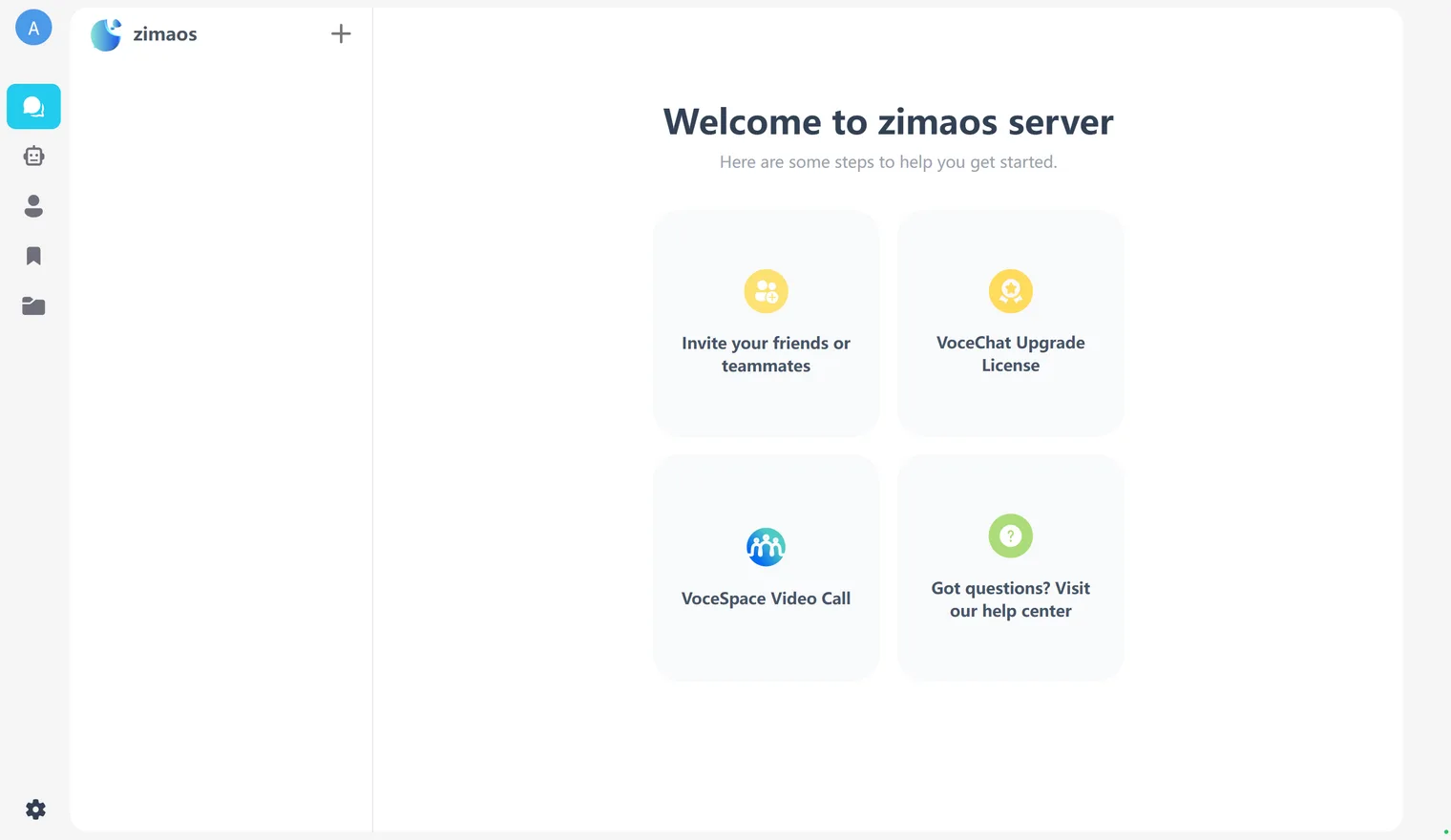
Once done, share the invite link with your family or team and start chatting right away. VoceChat also offers official iOS/Android apps and an embeddable chat widget for your website.
Need Help?
If you run into any issues while installing or using VoceChat on ZimaOS, join the ZimaSpace Discord community. Our team and community members will be happy to help.