
Photos is available starting with ZimaOS 1.8.
Every photo within reach. Every memory worth revisiting. Photos turns your ZimaOS device into a self-hosted photo library: action cam footage, RAW files from your camera, snapshots from every phone you have owned. It follows you across the phone, the PC, and the iPad, with the same library everywhere.
One Library, Every Device
The library lives on your home server, not on any single gadget. Point Photos at a folder and it scans everything in. Every screen sees the same library at the same time.
Photos solves the old problem of three cameras and three places to look. The action cam memory card, the camera roll, and the phone gallery all land in one library, sorted together.
Add Your Sources
Photos starts with the folders you point it at.
Click the settings button in the top-left corner of Photos and add a source.
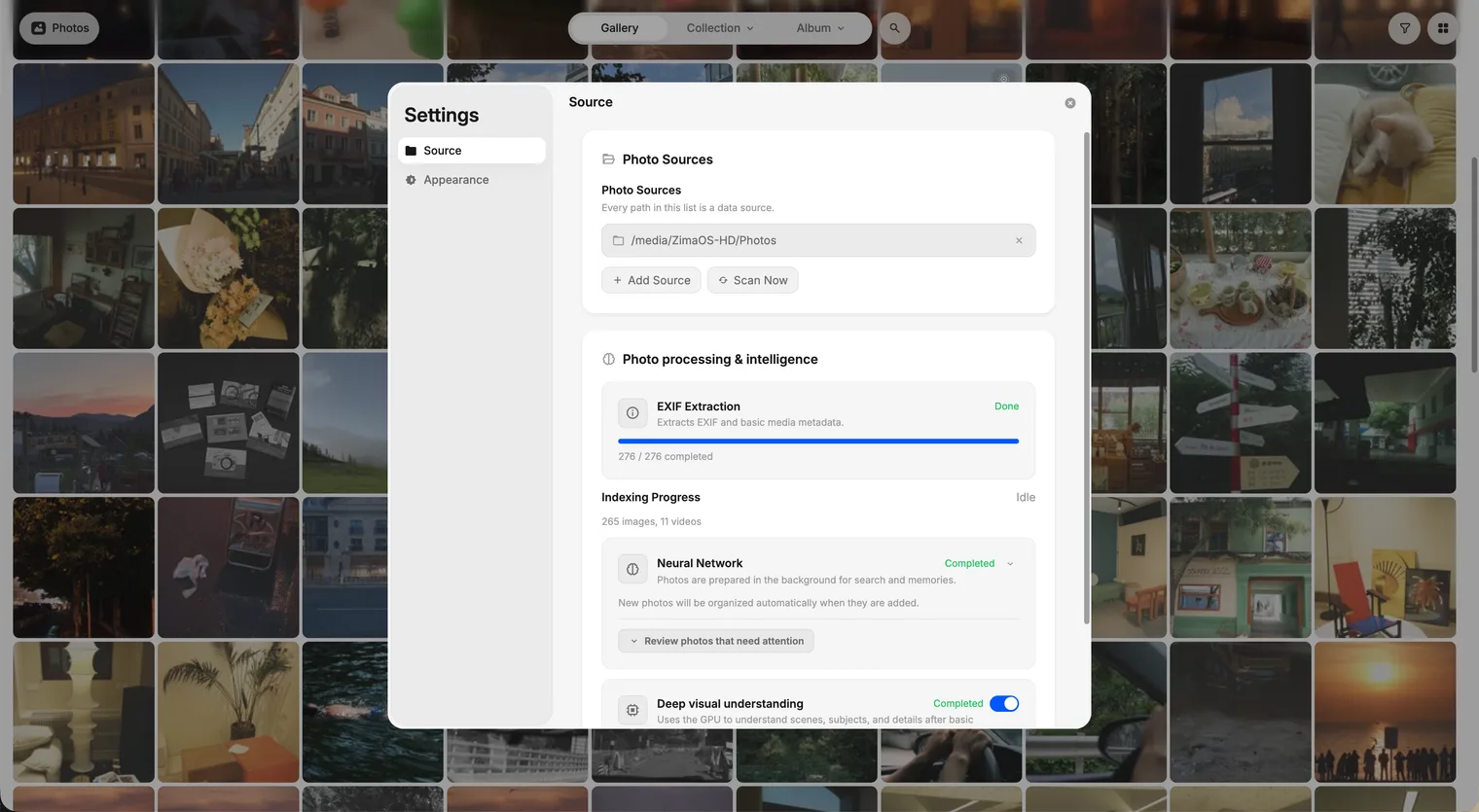
ZimaOS starts indexing right away. Nothing moves and nothing is copied: the data stays in its folders on your NAS, and the added sources sync to every device automatically. Your phone, your iPad, and your browser all see the same library.
Browse Your Way
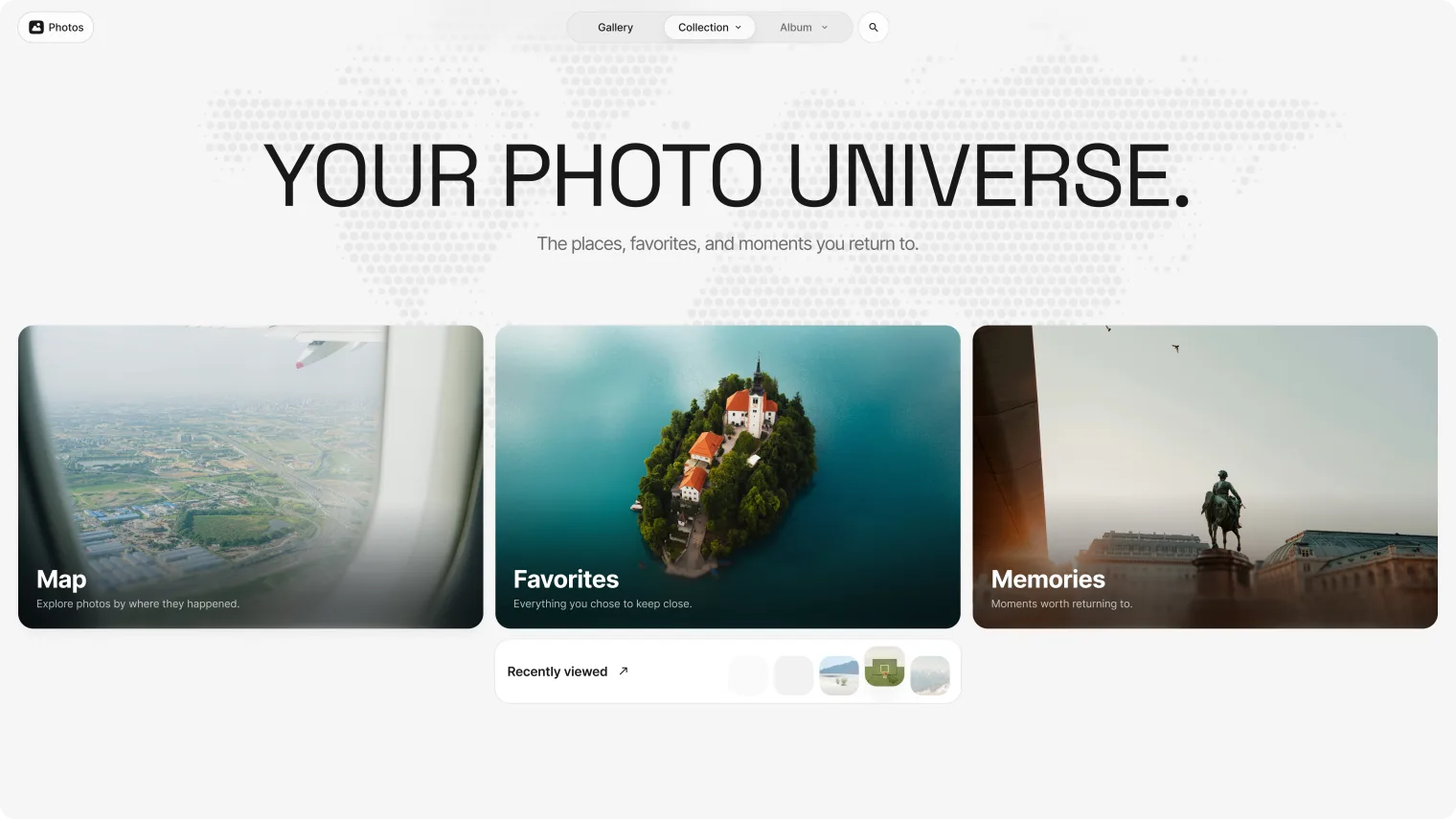
Four ways to browse, each made for enjoying the library:
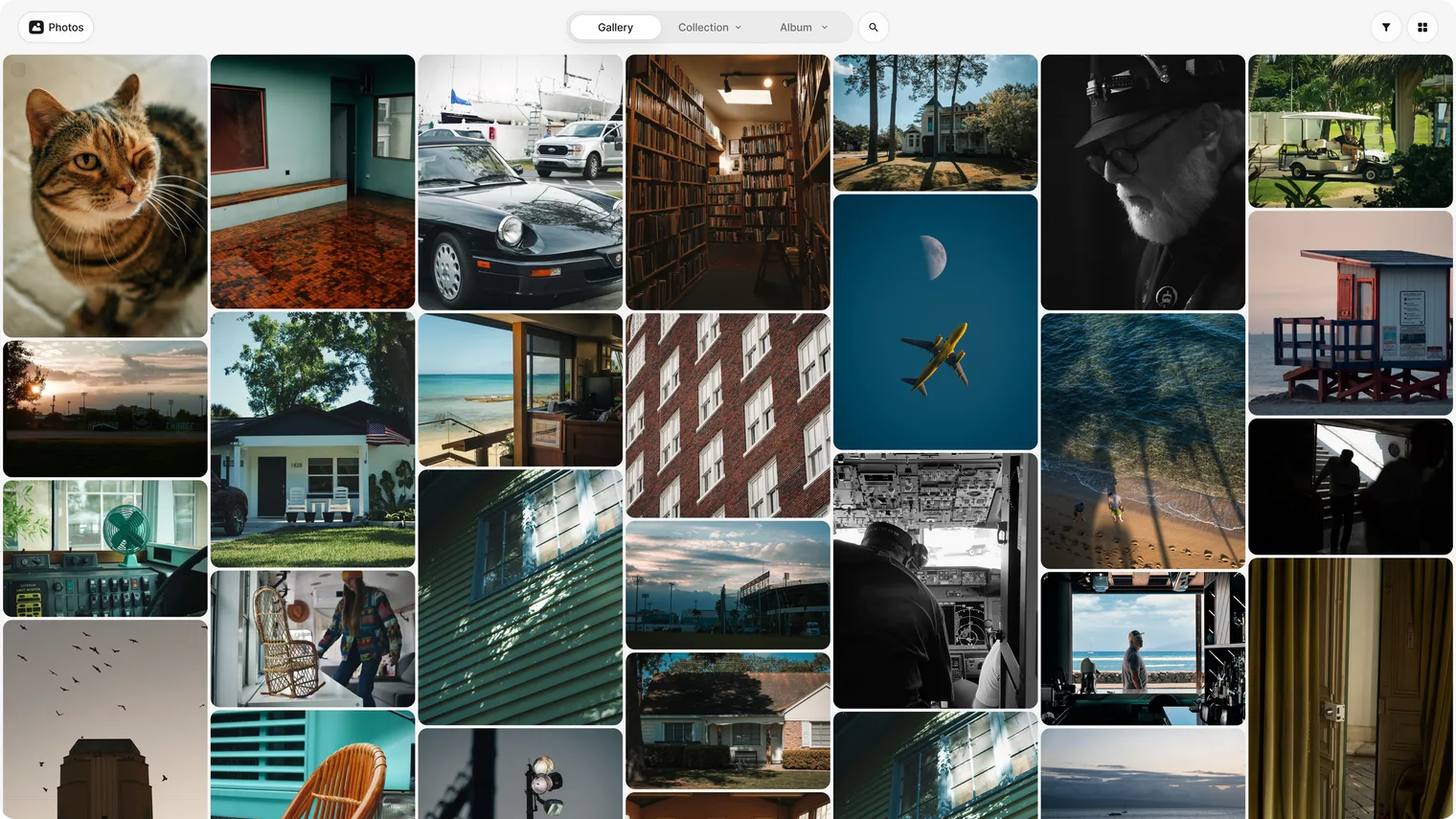
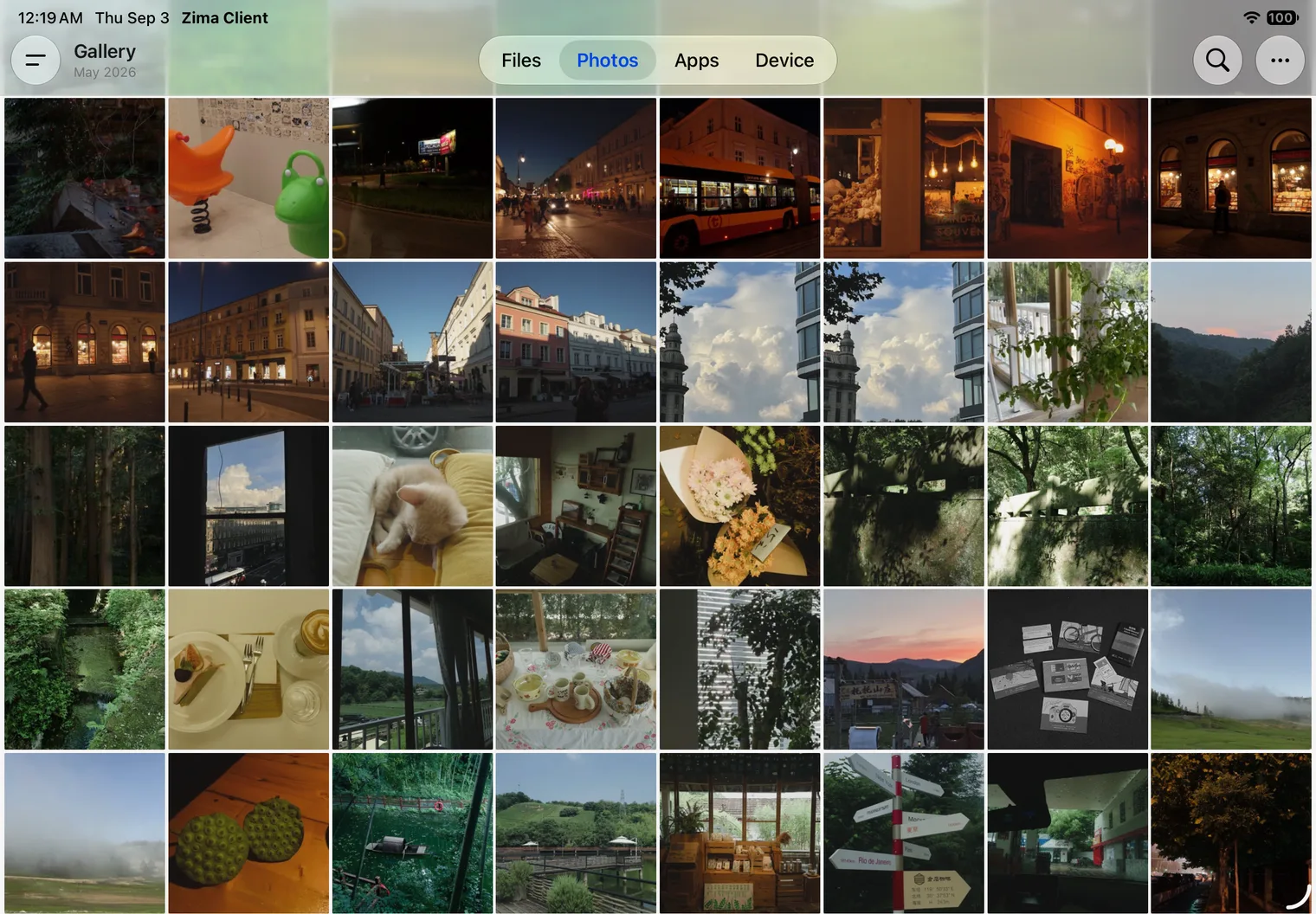
- Photo wall. Photos spread across the screen like a wall. Filenames and folder paths fade away, and only the pictures remain.
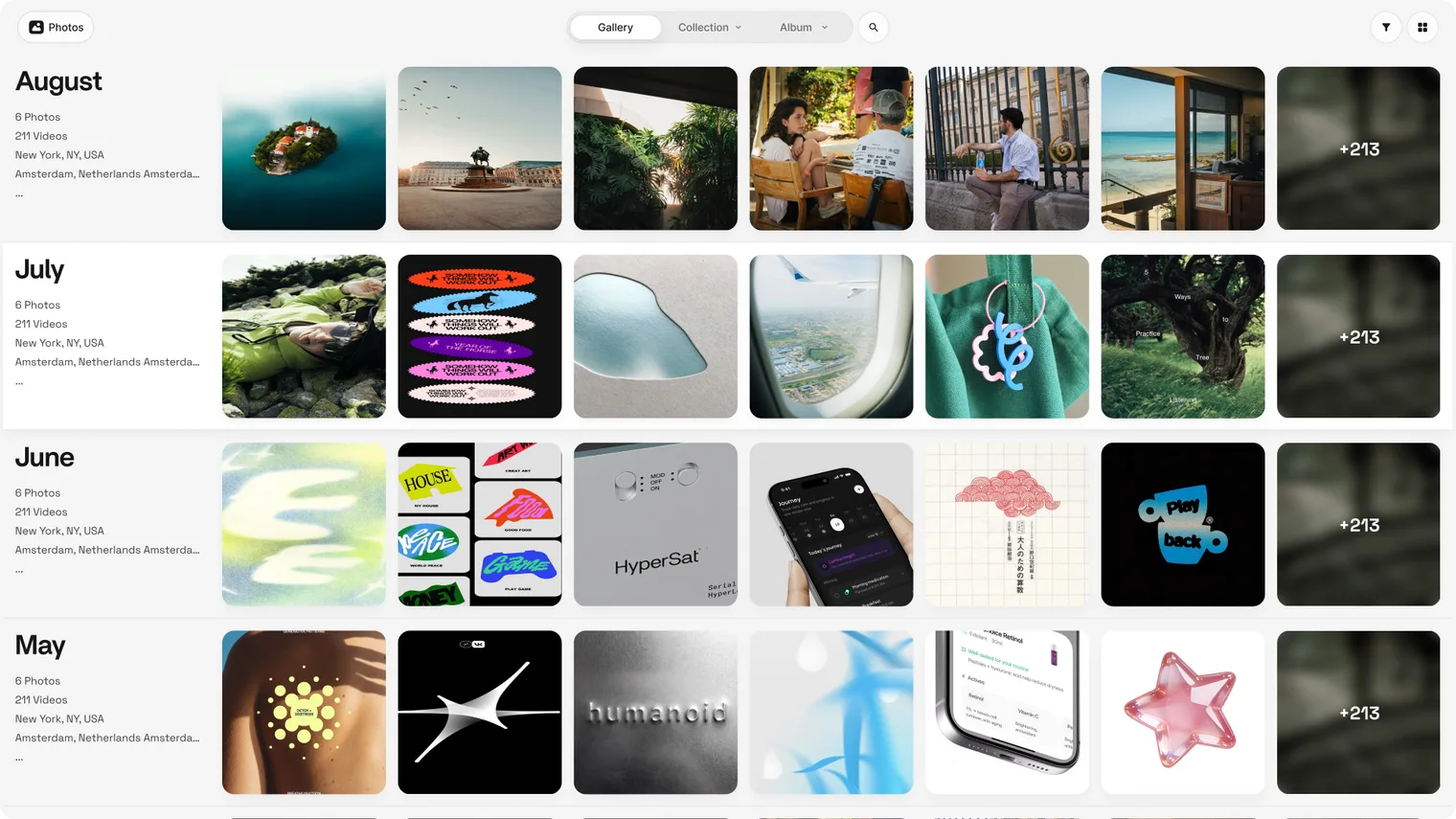
- Timeline. Browse by day, month, or year. Zoom in on a single day, pull back to a whole year.
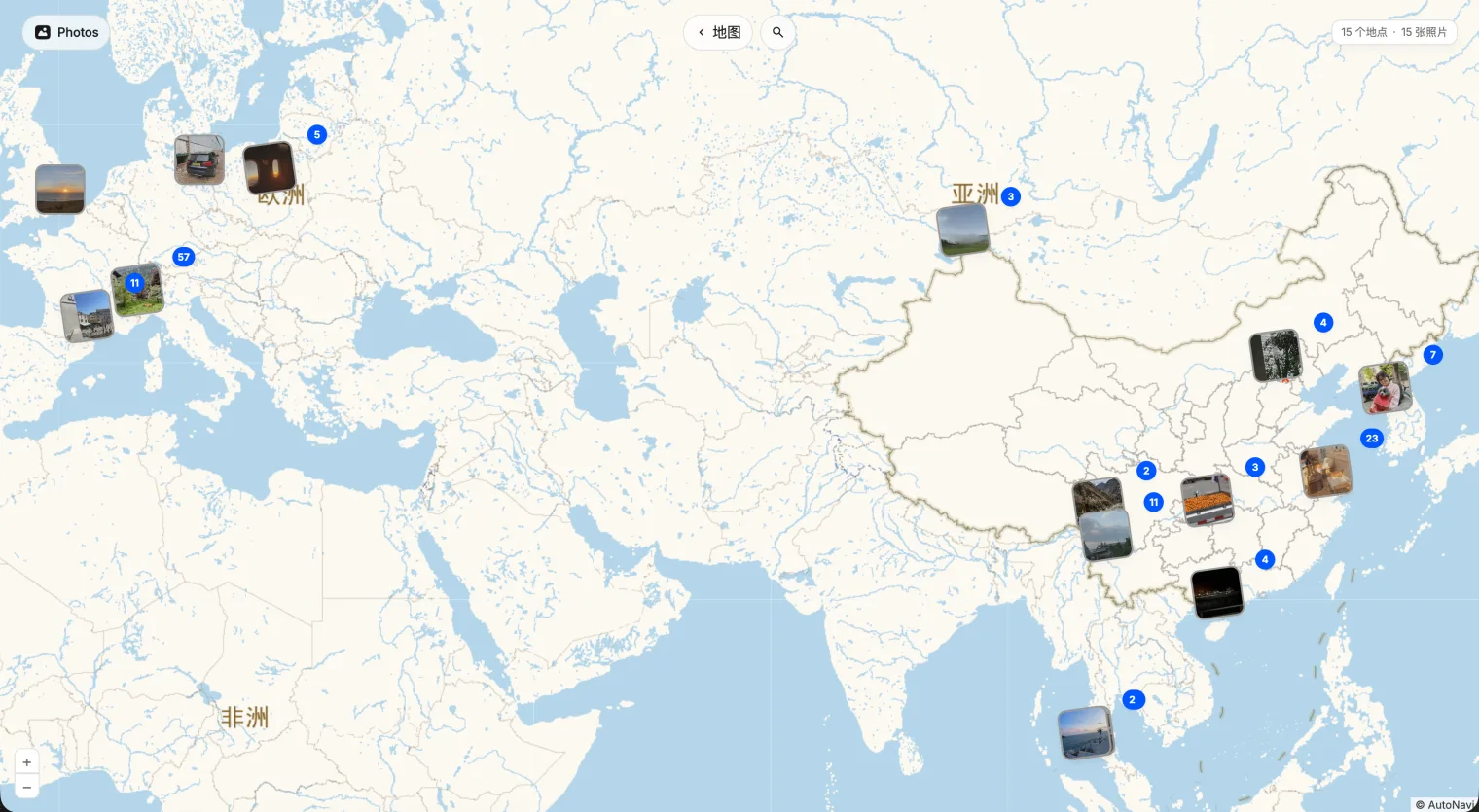
- Map. That trip, that street, right where you left it.
- Collections. Photos curates your best moments into stories. Trips, faces, seasons, ones you did not know you had.
Every Format Plays
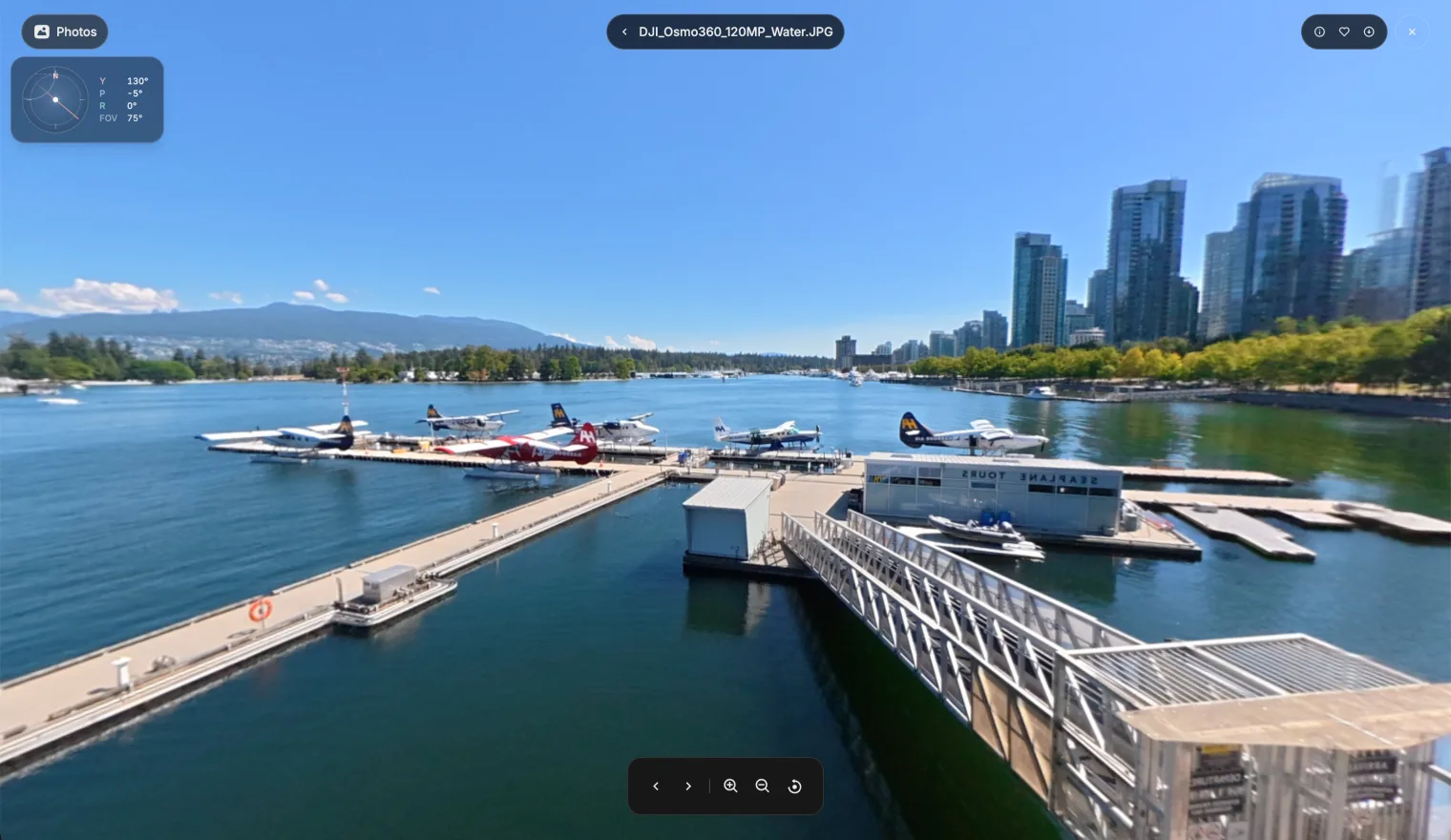
360° footage from your action cam. Live Photos from your iPhone. RAW files from your camera. Same trip, same day, same memory. Photos plays them all, mixed in one library.
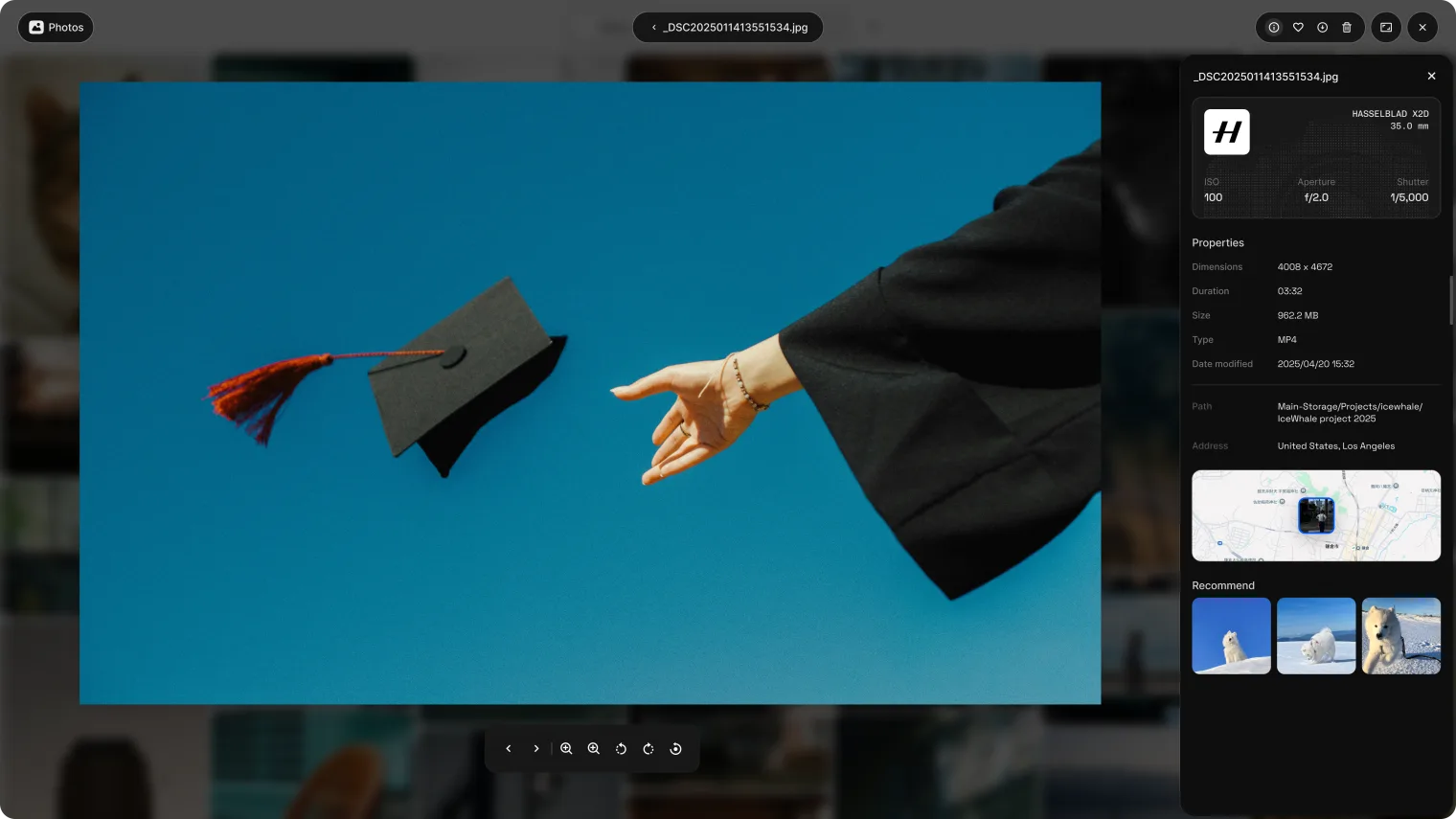
Tap one open and the details come with it. Camera, lens, ISO, and aperture are all kept. Related photos gather right alongside, so one moment leads to the next.
Local AI, Private by Design
Search the way you remember. A wedding. A beach. A cat. No digging through folders, just the moment you recall. Local AI finds it for you.
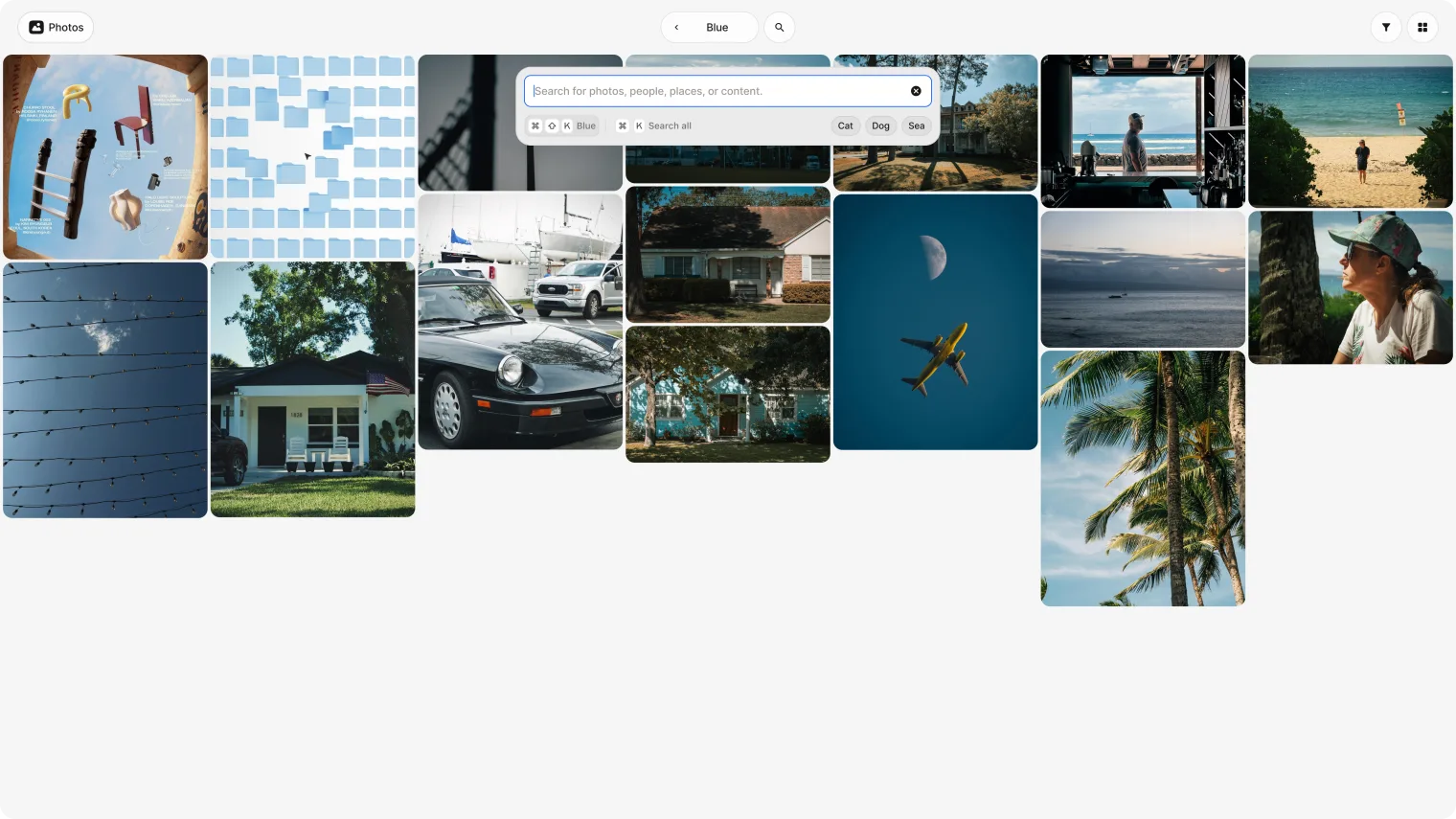
Sensitive photos stay blurred until you choose to open them. The AI runs on your own hardware. That is what self-hosted means here: nothing leaves your network.
On the Phone
The phone carries the same modules as the web: gallery, memories, collections, and custom albums.
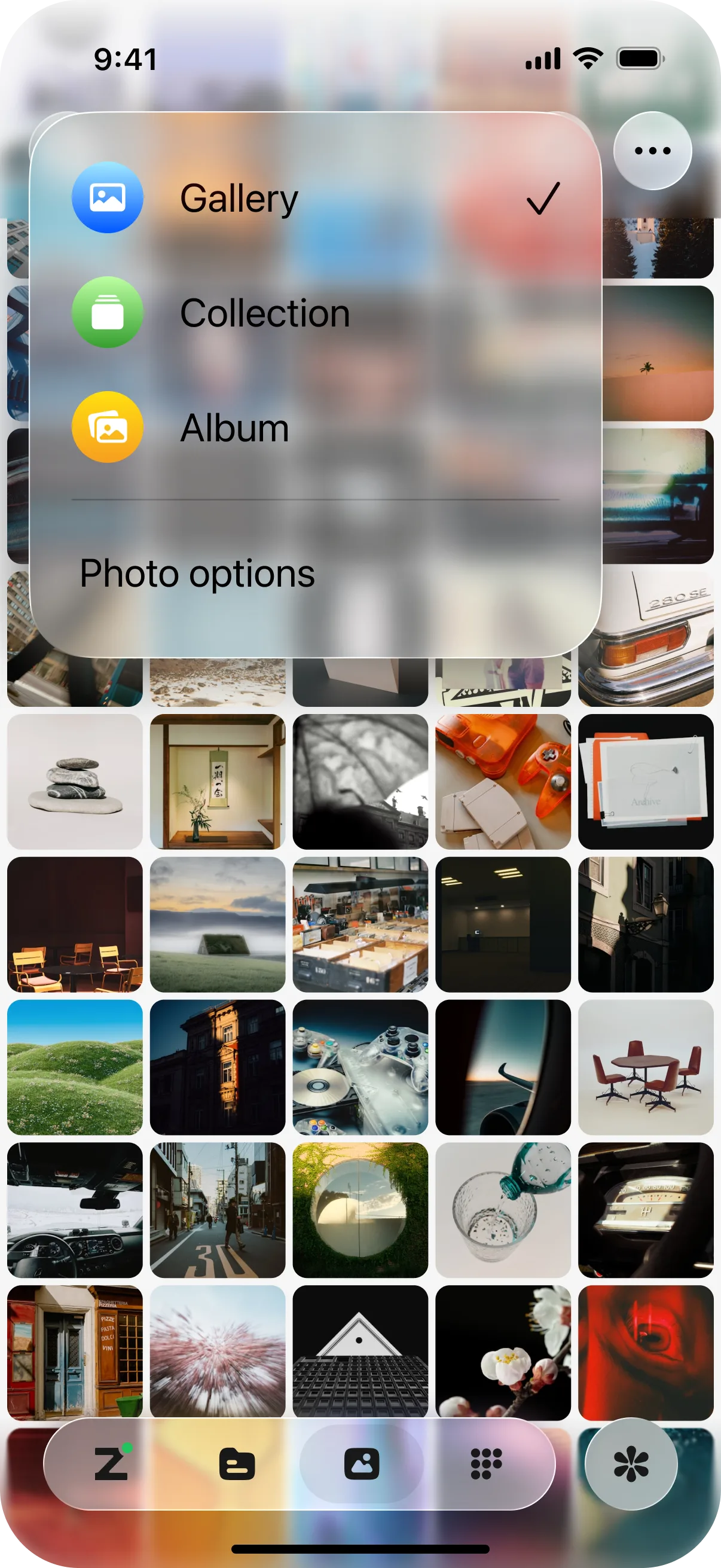
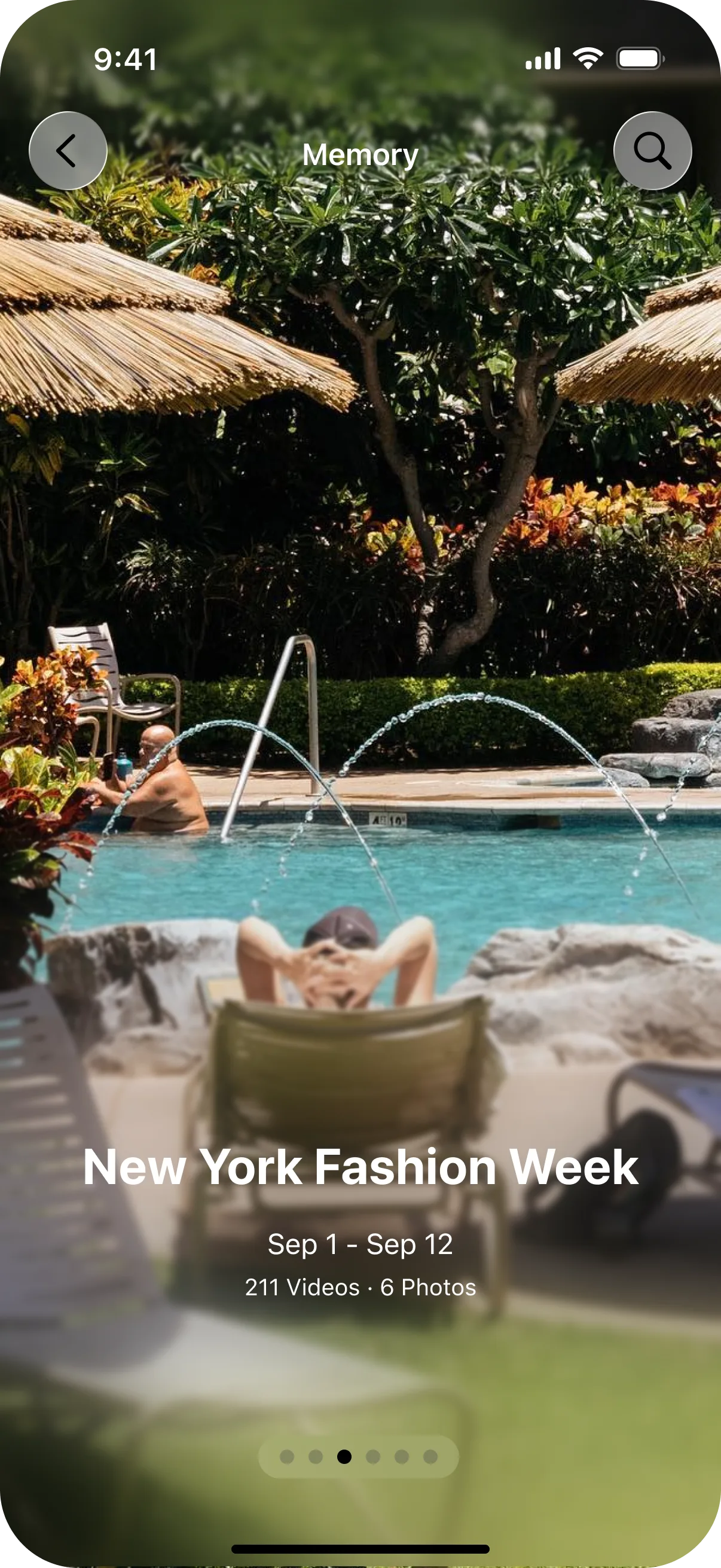
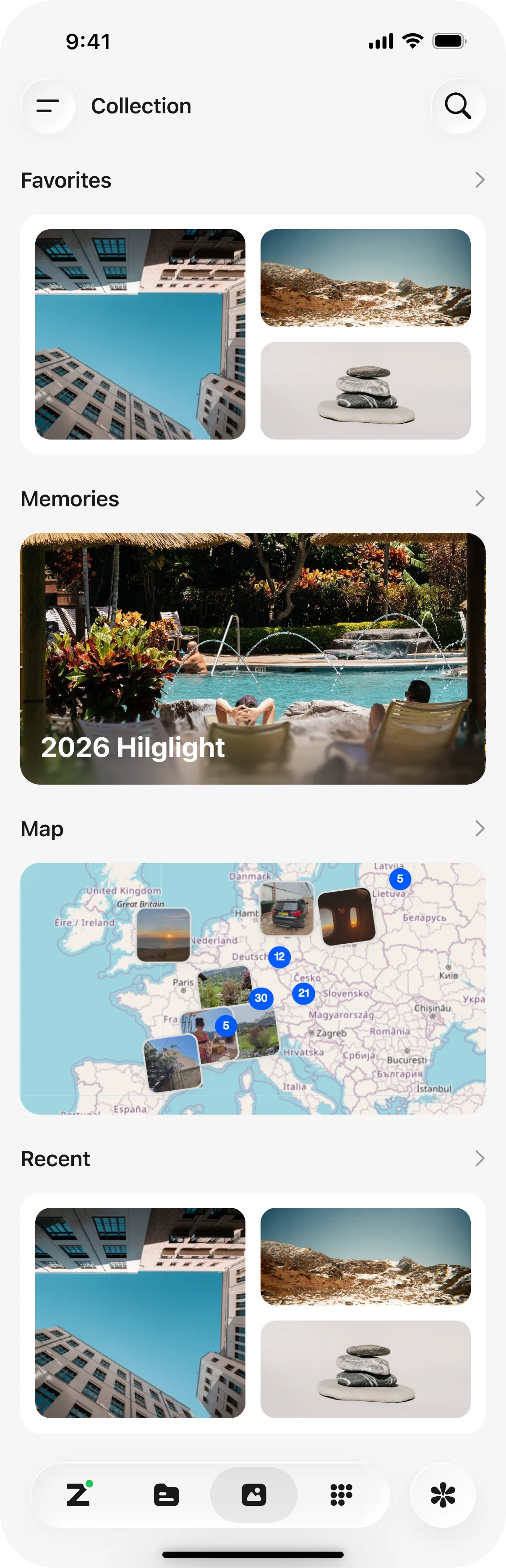
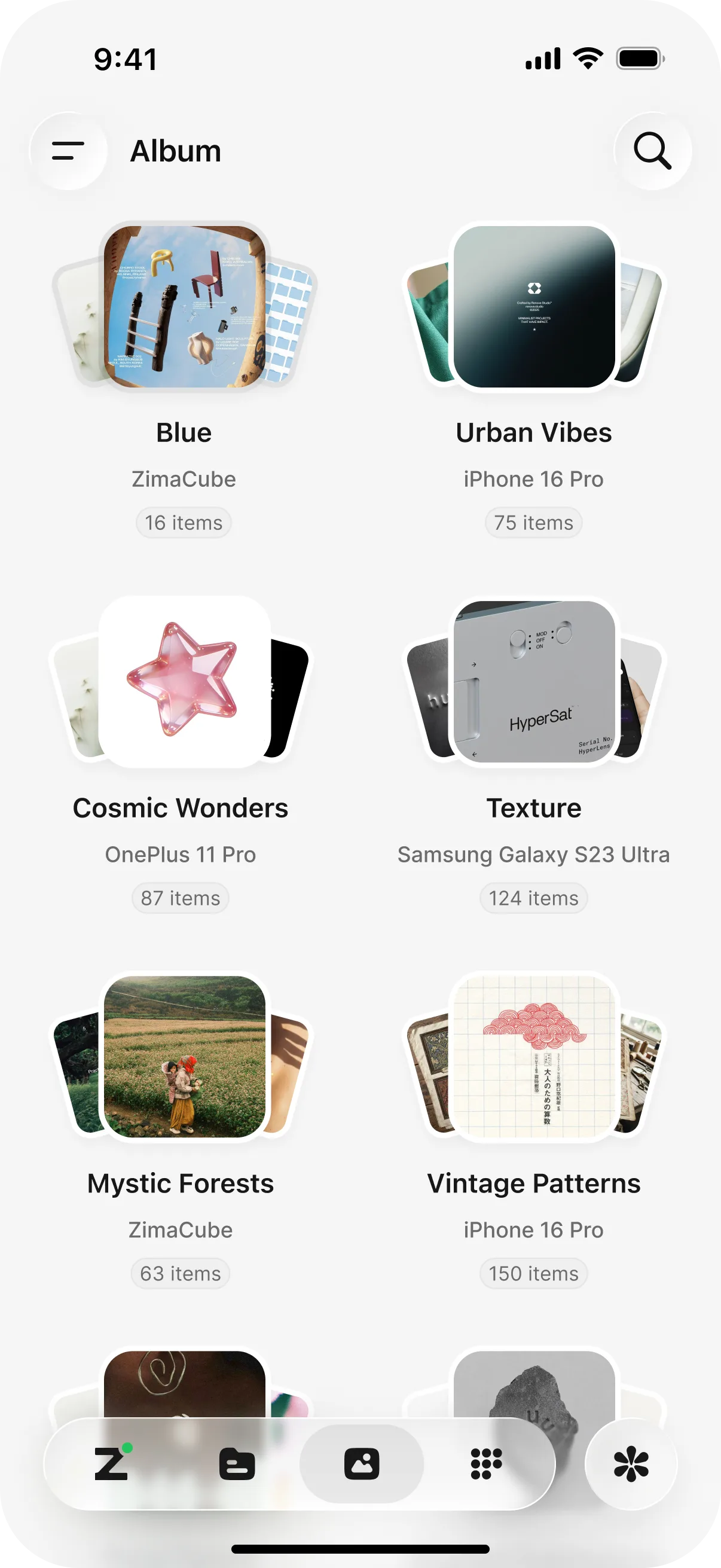
New photos land in the library on their own. ZimaClient syncs them in the background, so the phone always shows the latest, wherever you are.
A new phone does not start an empty library: sign in with the same ZimaOS account and the existing library loads from the device.
On the PC
On a PC, Photos is the same web experience in a browser. Open the ZimaOS dashboard and the library is there, complete: every view, every format, the AI search, all of it. It is the fullest version of Photos.
On the iPad
On the iPad, the interface adapts to the larger screen, so the wall and the viewer stretch out comfortably.
Built for Looking
Photos is designed for appreciating your imagery, not for shoveling files. Collections surface the trips and faces you forgot you had. The viewer keeps the camera settings because they are part of the work. Phone photos are one source among many, and they arrive through Phone Backup. The library is the destination.
Privacy stays the default. Everything runs on your hardware. Nothing is uploaded. Nothing is shared. Your memories stay on your server.
Supported Formats
Photos indexes a wide range of still image formats, and their metadata comes with them:
- Phone and common images. JPEG, HEIC, HEIF, AVIF, PNG, WebP, GIF, BMP.
- RAW from dedicated cameras. ARW, CR2, CR3, DNG, NEF, ORF, PEF, RAF, RW2, X3F, and most other mainstream camera RAW formats.
- Professional containers. TIFF, PSD, PSB, JPEG XL, JPEG 2000, EXR.
The built-in parser reads the standard fields: camera, lens, focal length, aperture, exposure time, ISO, GPS, and date taken. It also reads the vendor metadata many cameras attach, and it handles video metadata through a separate path, so footage stays searchable the same way.
Photos does not depend on external metadata tools at runtime. The parser is built in, so indexing keeps working without extra software on the device.
One thing to know: a format can be indexed while its thumbnail depends on the file itself. Some RAW files carry no embedded preview, and their thumbnail then depends on decoder support. Either way the file stays in the library with its metadata. The full list is on Photos Supported Formats.
Built to Stay Fast
Speed is part of the design, not an afterthought.
Thumbnails flow through a three-level cache: memory, a persistent disk cache with three size tiers, and derived copies for smaller requests. Once a thumbnail is cached, it returns in milliseconds.
RAW files get special treatment. When a camera embeds a JPEG preview, Photos uses it instead of decoding the full sensor image. In our tests on an Apple M4 Pro, preview routes for CR2, NEF, PEF, and ARW files finished in 29 to 100 ms, while full decoding of the same files took 160 to 450 ms.
Scrolling never takes the whole server down. Decoding is throttled by concurrency and memory budgets, so a wall full of 100-megapixel RAW files stays browsable while the rest of the system keeps working.
Next
- Phone Backup — get the phone photos into the library first
- Remote Access — browse the same library from anywhere