
If you have set a static IP in ZimaOS and need to reset the network IP settings due to network changes, you can use this tutorial to reset the set IP binding.
Note: Before attempting the USB reset procedure below, please try connecting to a different network port and then use ZimaClient to search for the network again.
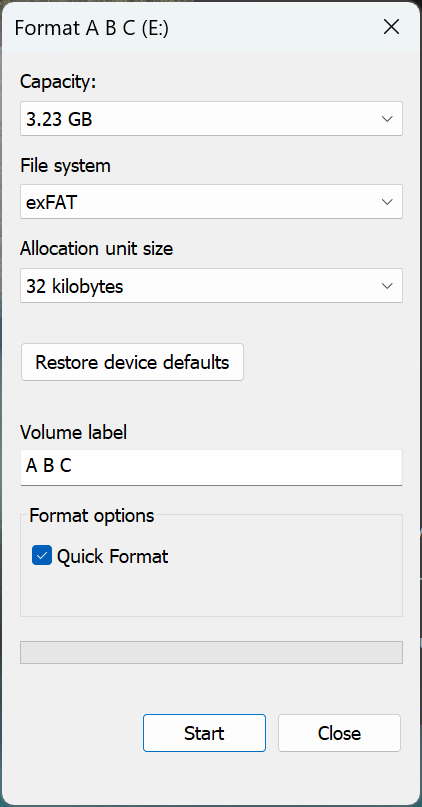
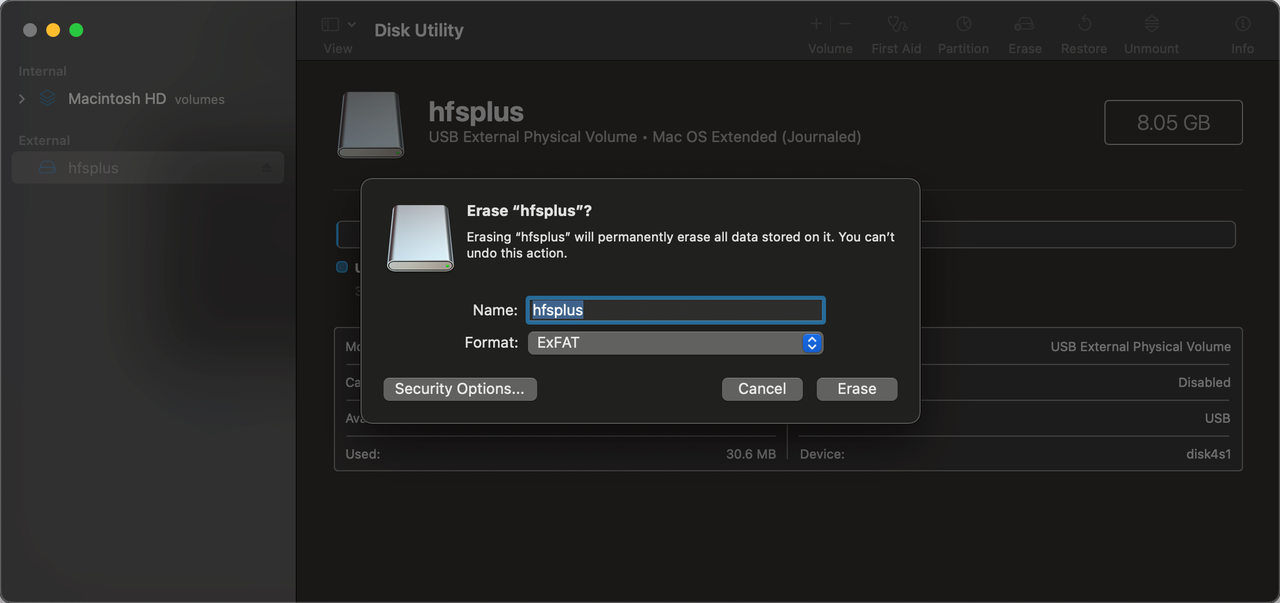
Format USB drive
Win formatting can be done by right-clicking the USB drive and selecting exFAT to format
Mac formatting can select the disk in the disk management tool and perform the erase operation
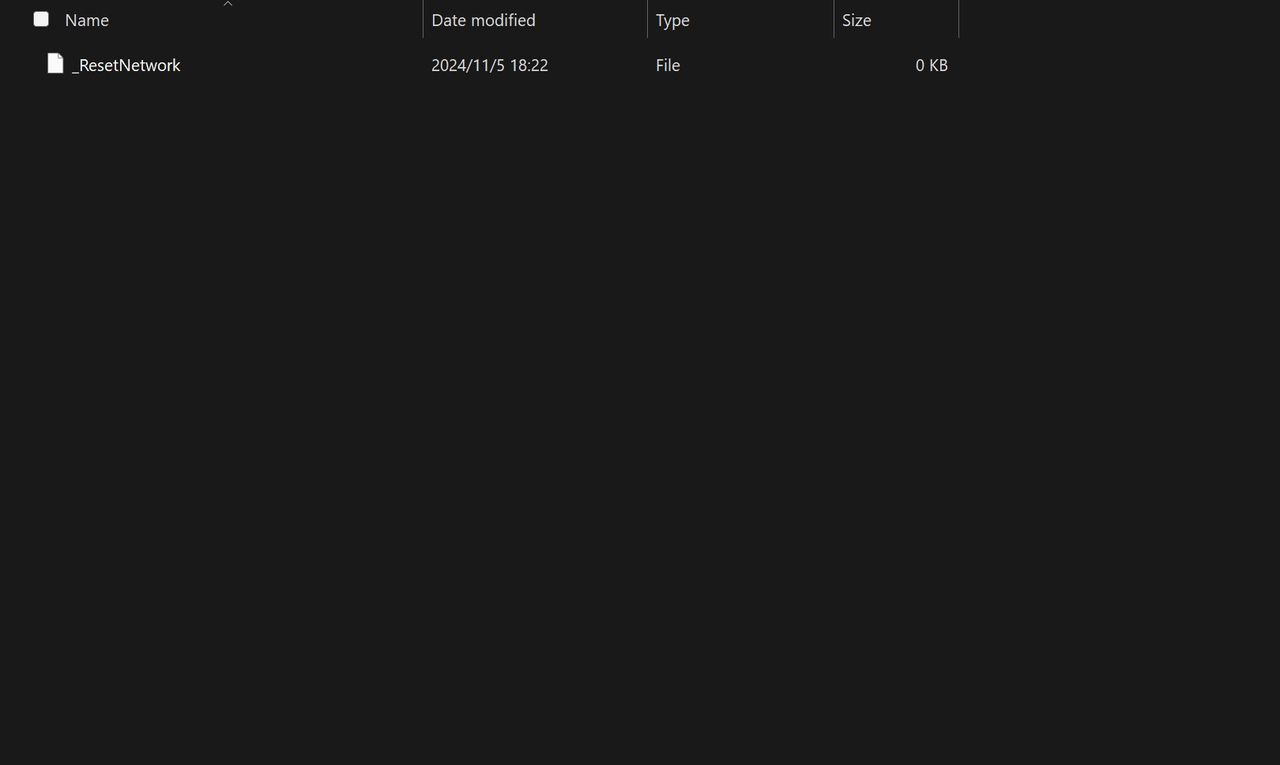
Write _ResetNetwork file
Create a file in the root directory of the disk, name it _ResetNetwork, remember not to have a suffix, and the file should be empty.
Insert it into ZimaOS and wait for 20 seconds.
Any of the following conditions will be considered successful.
- The display shows that the IP has changed.
- The
_ResetNetworkfile in the USB drive has been removed.